
You know the drill. You find a promising expired domain, a guest post target, or a page sitting in the SERPs where you want to compete, and the first thing you want is a fast read on authority. So you search for a page authority checker free tool, paste in a URL, and get a score back.
That part is easy. The hard part is knowing whether the score deserves your trust.
A raw PA number can help with triage, but on its own it can also waste your time. Some pages look strong until you inspect backlinks, spam signals, or the broader domain context. Other pages don't scream “authority” at first glance, yet they're attached to domains with clean histories and real upside. That's why the best workflow isn't “check PA and decide.” It's “check PA, compare context, then move fast on the few candidates worth deeper review.”
If you're trying to improve your Page Authority score, the same rule applies. Use PA as a directional metric, not a final verdict.
Below are the tools I'd personally use, organized like a working SEO stack rather than a random roundup. Some are best for quick spot checks. Some are better for browser-based SERP recon. And one is built for the part most free checkers still handle badly: turning authority data into an expired-domain workflow that doesn't bury you in junk.
1. NameSnag
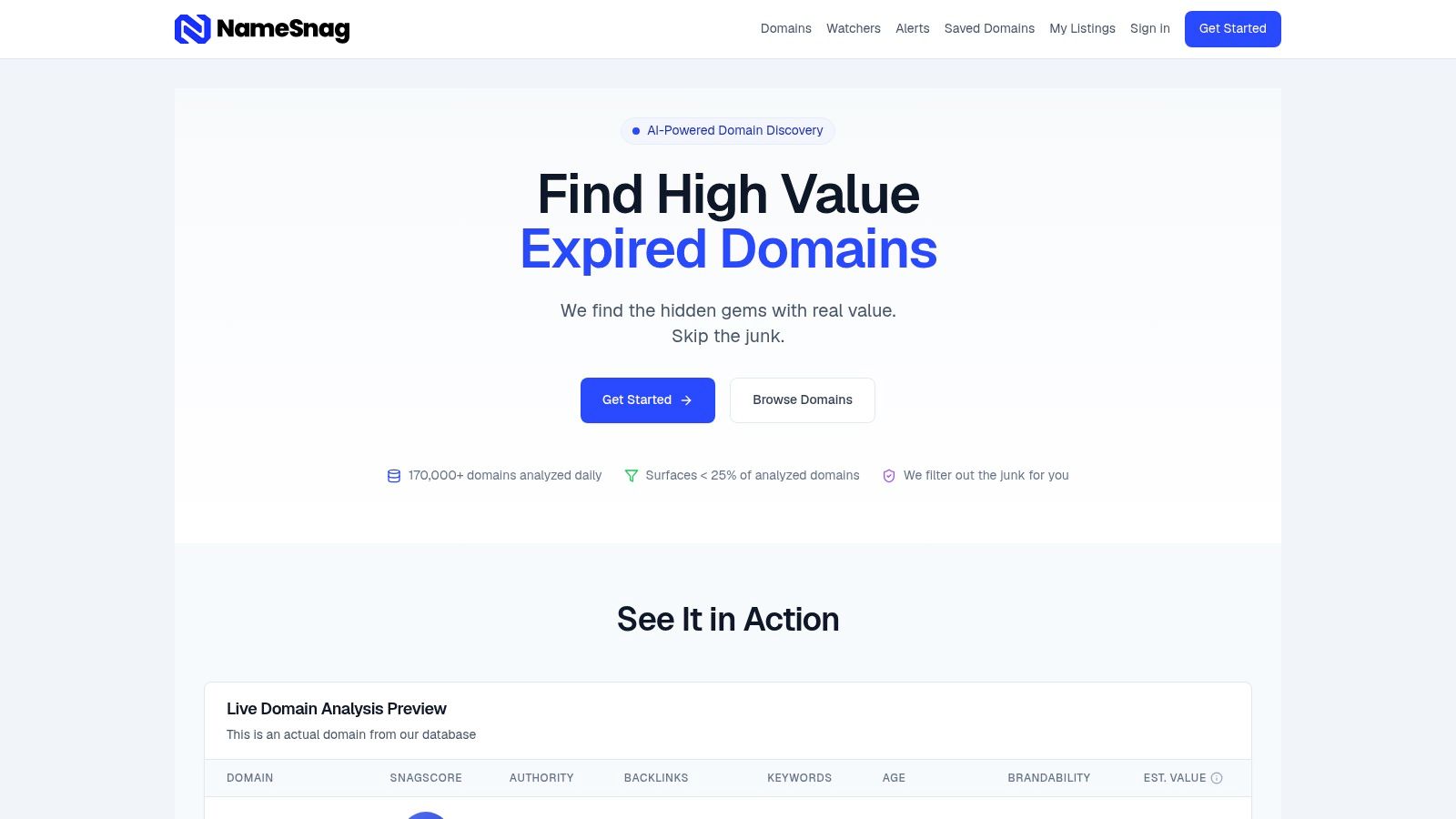
You pull a page authority score on an expired domain, and it looks strong. Ten minutes later you realize the score told you almost nothing about whether the asset is usable. That gap is why NameSnag belongs first in this workflow.
NameSnag works best earlier in the process, before you spend time validating individual pages. Instead of acting like a one-box PA checker, it helps surface domains that already pass a basic quality threshold, then gives you enough context to decide which ones deserve a manual review. For expired-domain research, that saves real time.
Why it fits a working SEO process
A plain PA checker answers a narrow question. NameSnag is better at the next one: which opportunities are worth opening in the first place?
The platform focuses on discovery and filtering. You can sort through candidates, review a proprietary SnagScore, check spam-screening signals, and scan a live analysis preview that calls out strengths, weaknesses, likely use cases, and estimated value. That setup is useful because authority numbers get more reliable when they sit next to quality and intent signals.
I would use a simple checker for one URL. I would use NameSnag when the job is building a shortlist.
Best use cases
NameSnag is strongest in campaigns where scale creates noise and bad options pile up fast:
- Expired-domain hunting: Browse available domains when you want domains you can register now.
- Pre-drop monitoring: Track expiring domains when you want to identify targets before competition increases.
- Date-based filtering: Narrow by recent or broader time windows depending on whether you're chasing fresh drops or reviewing a larger batch.
- Alert-driven prospecting: Watchers and Early Access Alerts help when you're filtering for keywords, TLDs, age, or backlink traits such as edu and gov references.
Trade-offs
NameSnag asks for a slightly different mindset. It is less useful for a casual one-off page check, and more useful for prospecting, list building, and domain acquisition work.
That trade-off makes sense. If the goal is fast SERP triage on a single URL, lighter tools are quicker. If the goal is finding domains with a realistic chance of being clean, relevant, and worth buying, the added filters are a better fit.
The estimated values help with prioritization, but they should not make the final call. Manual review still matters. Check archive history, trademark risk, topical fit, and whether the backlink profile supports the use case you have in mind. That is the difference between collecting authority scores and building a domain pipeline you can trust.
2. SmallSEOTools Page Authority Checker
SmallSEOTools is the opposite of a platform play. It's a quick utility, and that's exactly why it still earns a spot. When I want a fast, no-setup answer for one URL, this kind of tool is often enough to decide whether a page deserves a second look.
Its value is low friction. Paste a page, get a PA-style readout, and move on.
Where it fits best
This is handy for outreach vetting, one-off page checks, and those moments when you're looking at a single expired or expiring URL and just want a rough authority signal before opening heavier tools. It also helps when you're checking pages individually rather than evaluating whole domains.
A simple page-level check can save time, especially when the opportunity is obviously weak or obviously interesting.
- Fast single-URL checks: Good for quick validation on one page at a time.
- No install needed: Useful when you're working from a clean browser or a different machine.
- Good for triage: Helpful for deciding whether a prospect moves into a deeper review bucket.
The downside
The trade-off is context. Tools like this can be ad-heavy, and they usually won't give you the fuller quality picture you need for expensive decisions. That means they work best at the top of the funnel, not at the final approval stage.
If I'm looking at a potential guest-post target, this can be enough to avoid wasting an email. If I'm considering buying a domain, it's not enough by itself.
A free PA lookup is useful for filtering. It's weak for conviction.
Use it as your first pass, not your last word.
Visit SmallSEOTools Page Authority Checker
3. SEO Review Tools Bulk Domain Authority and Page Authority Checker
When you've moved beyond “Should I check this page?” and into “I have a list and need to cut it down fast,” SEO Review Tools becomes much more attractive. Bulk checking changes the economics of prospecting.
Instead of opening tabs one by one, you can paste a list and qualify candidates in batches. That's a much better fit for link builders, agencies, and anyone screening outreach targets at scale.
Best for shortlist grading
This tool is built around Moz-style DA and PA workflows, and it's useful when your data source needs to be familiar and consistent. Moz made Page Authority mainstream through a public checker that includes PA and allows 3 free reports per day without logging in, with unlimited access for Moz Pro customers. That public workflow is a big reason PA became so embedded in SEO prospecting in the first place.
SEO Review Tools benefits from that familiarity. If your process already uses Moz-style authority concepts, this bulk checker feels intuitive.
- Paste-and-process workflow: Better for outreach lists than individual checkers.
- Useful for comparison: Works well when you want relative sorting, not perfect certainty.
- API and documentation: Helpful if your team likes to automate pieces of qualification.
What to watch out for
Free bulk tools almost always hit limits sooner than you want. That's normal. The practical issue isn't whether the checker works. It's whether your workflow needs enough volume to justify paid access or an integrated platform.
I'd use this for shortlist grading, not for giant always-on pipelines. If you're processing steady volume every week, the friction starts to show.
Try SEO Review Tools Bulk Domain Authority and Page Authority Checker
4. MozBar
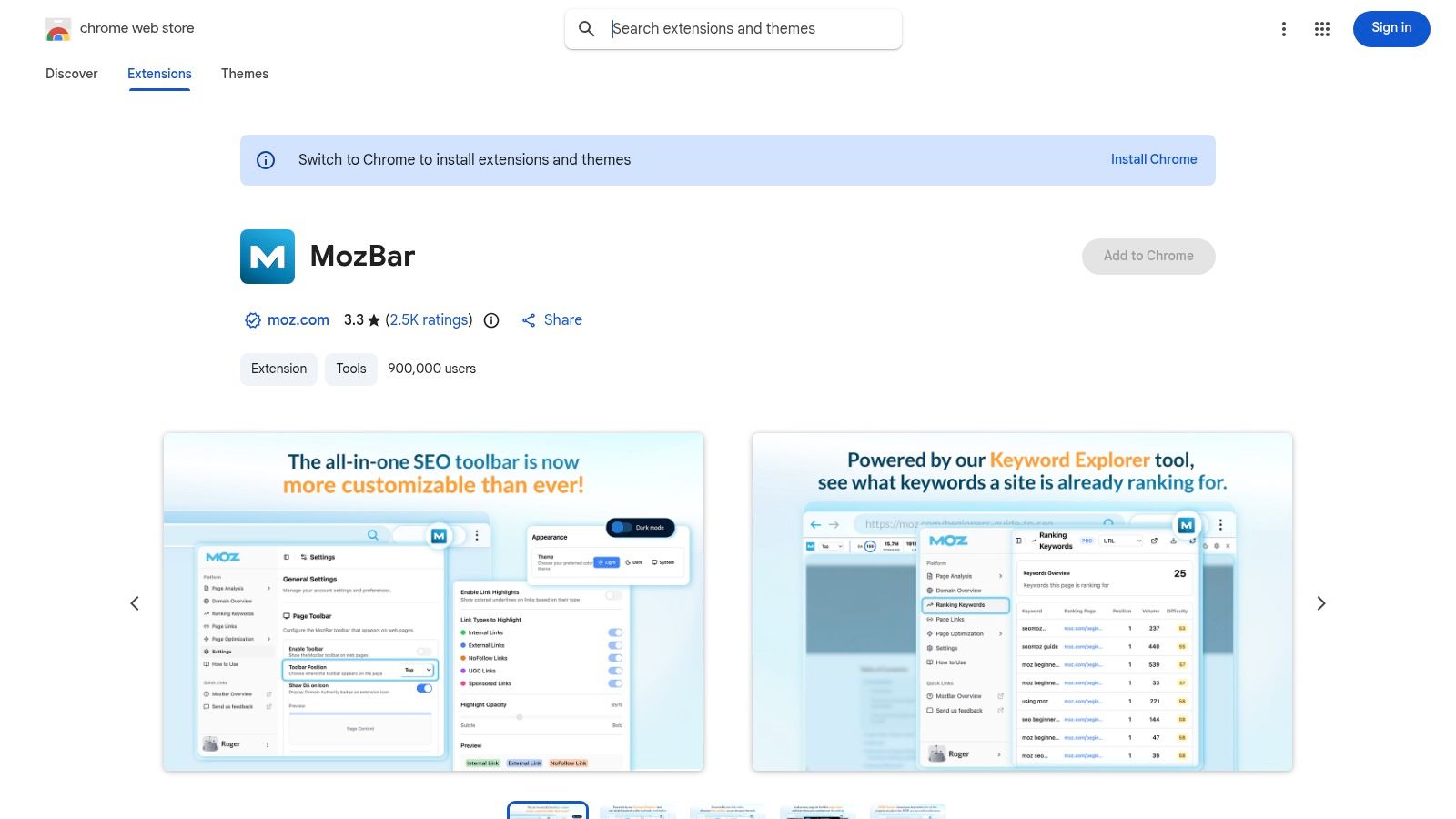
MozBar is still one of the fastest ways to bring authority context directly into SERP analysis. You search, the overlays appear, and you can make rough decisions without leaving the browser. That's a very different use case from opening a standalone page authority checker free tool in another tab.
For live competitor recon, it's hard to beat the convenience.
Where MozBar is strongest
The sweet spot is SERP triage. You search a keyword, scan the page-level and domain-level signals, and quickly decide what kind of battlefield you're walking into. It's also useful when browsing potential link prospects because the authority data travels with you.
Moz's broader authority tooling helped normalize page-level scoring as a routine SEO workflow. Free authority checkers still follow that general pattern by turning backlink signals into rank-like scores, often on a 1 to 100 scale, as seen in SE Ranking's free checker, and pairing them with surrounding metrics for quicker decisions.
That's why browser overlays matter so much. They remove the stop-start behavior that slows down manual review.
- SERP overlays: Great for sizing up competitors fast.
- On-page context: Helpful while evaluating a prospect's actual site, not just its homepage.
- CSV export options: Useful when you want to capture a search result set for later work.
Real trade-off
MozBar is a speed tool, not a full vetting environment. It's excellent for reconnaissance, but it won't replace deeper review of links, relevance, or risk. It also helps to understand the difference between page-level and domain-level metrics before you start acting on what you see. This guide on Domain Authority vs Page Authority is worth bookmarking if your team still mixes them up.
I trust browser overlays for triage. I don't trust them for final buying decisions.
That's the right mental model for MozBar.
Install MozBar from the Chrome Web Store
5. Ubersuggest
Ubersuggest makes sense when you're already inside it for keyword or backlink research and want authority context without hopping tools. I wouldn't call it my first-choice specialist PA checker, but I would call it convenient.
Convenience matters more than people admit. A metric you check inside your existing workflow often beats a better metric hidden behind extra friction.
A solid all-in-one fallback
If you're researching content opportunities, reviewing backlinks, and glancing at page-level authority in one browser session, Ubersuggest does the job. That's especially useful for solo operators and small teams that don't want separate tabs for every tiny decision.
Its biggest strength is workflow consolidation. You stay in one place and keep moving.
- Page-level authority alongside research: Useful when evaluating pages in context.
- Browser-based workflow: Good for quick checks from any machine.
- Occasional use friendly: Fine for ad hoc vetting if you don't need heavy throughput.
Where it falls short
The weakness is depth. General SEO suites often lag specialist link tools when you need nuance around the backlink profile. For high-stakes decisions, especially with expired domains or risky link prospects, I'd still corroborate elsewhere.
If you're using Ubersuggest as your main view of authority, it helps to understand the underlying concept before overreacting to any one number. This explanation of the Moz Domain Authority score gives good grounding on why these metrics are comparative rather than absolute.
For occasional page checks, Ubersuggest is practical. For bulk vetting, it gets cramped.
6. WebsiteSEOChecker DA and PA Checker
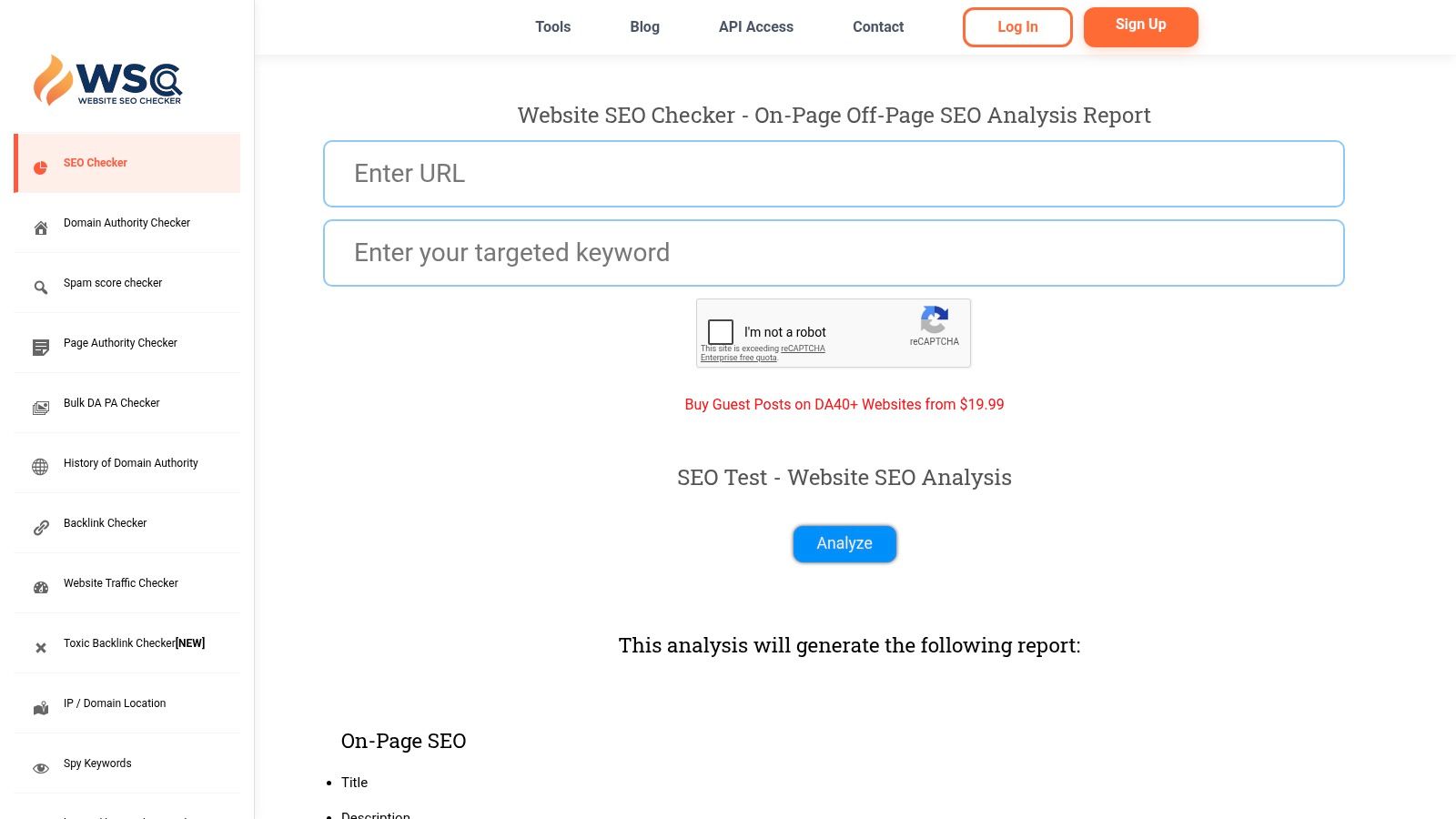
You have a spreadsheet of prospects, a shortlist of pages worth checking, and no interest in opening a full SEO suite just to answer one question. Which URLs deserve a closer look? WebsiteSEOChecker is useful in that middle stage of the workflow, after the quick SERP triage and before the final manual review.
Where it fits best
I'd use this tool when the job is larger than a few spot checks but smaller than a full campaign inside Ahrefs, Moz, or Semrush. That usually means link prospect review, expired domain screening, or a one-off client audit where you need page and domain metrics in batches without adding another monthly cost.
The practical advantage is range. You can run a single lookup, then switch to bulk checks when the list grows. That matters if your campaign volume is uneven. Some months you only need five URLs checked. Other months you need to sort through a few hundred candidates fast.
Used well, it supports a better workflow than “sort by PA and pick the highest number.” Authority scores are only the first pass. The full value comes from pairing them with risk indicators, relevance, and a manual look at the site.
- Single and bulk checks: Useful for both quick qualification and batch review.
- Authority plus risk context: Better for filtering weak or suspicious candidates early.
- Works for uneven workloads: A reasonable fit for agencies and consultants who do bursty research.
Trade-offs
The interface is crowded. If you prefer stripped-down tools, this one asks for a little more patience. I've seen junior SEOs get distracted by extra utility features instead of finishing the actual vetting task.
That said, the extra context is part of the appeal. For domain buying or outreach list cleanup, I'd rather have a busy interface with a few extra signals than a cleaner tool that only gives me one metric and no warning signs. If your team still treats DA like a pass-fail score, this guide on what counts as a good Domain Authority score in practice is a useful reset.
WebsiteSEOChecker works best as a mid-process filter. Use it to narrow the list, then review the finalists manually.
7. Loganix Free Domain Authority Checker
Loganix is for people who don't want a lot of ceremony. You open it, run the check, get DA and PA, and decide whether the target deserves more attention.
That simplicity is its advantage. Loganix comes from a brand that link builders already know, so the tool feels purpose-built for qualification rather than content marketing fluff.
Best use case
I like Loganix for quick validations on outreach prospects. If someone lands on your list because of niche relevance or topical fit, this tool gives you a fast authority snapshot before you spend time reviewing the site manually.
It's especially nice when you want a second opinion from a different interface without overcomplicating the process.
- Fast DA and PA readout: Good for rapid qualification.
- Clean workflow: Better than bloated utility pages when you just need a check.
- Good for outreach teams: Fits quick yes-or-no decisions.
Limitation
It's not the tool I'd choose for heavy bulk processing. The value here is speed and clarity on individual lookups, not pipeline-scale list management. If your team lives in spreadsheets and processes prospect lists all day, you'll outgrow it.
For straightforward spot checks, though, it does what it needs to do.
Use Loganix Free Domain Authority Checker
8. Counting Characters Website Authority Checker
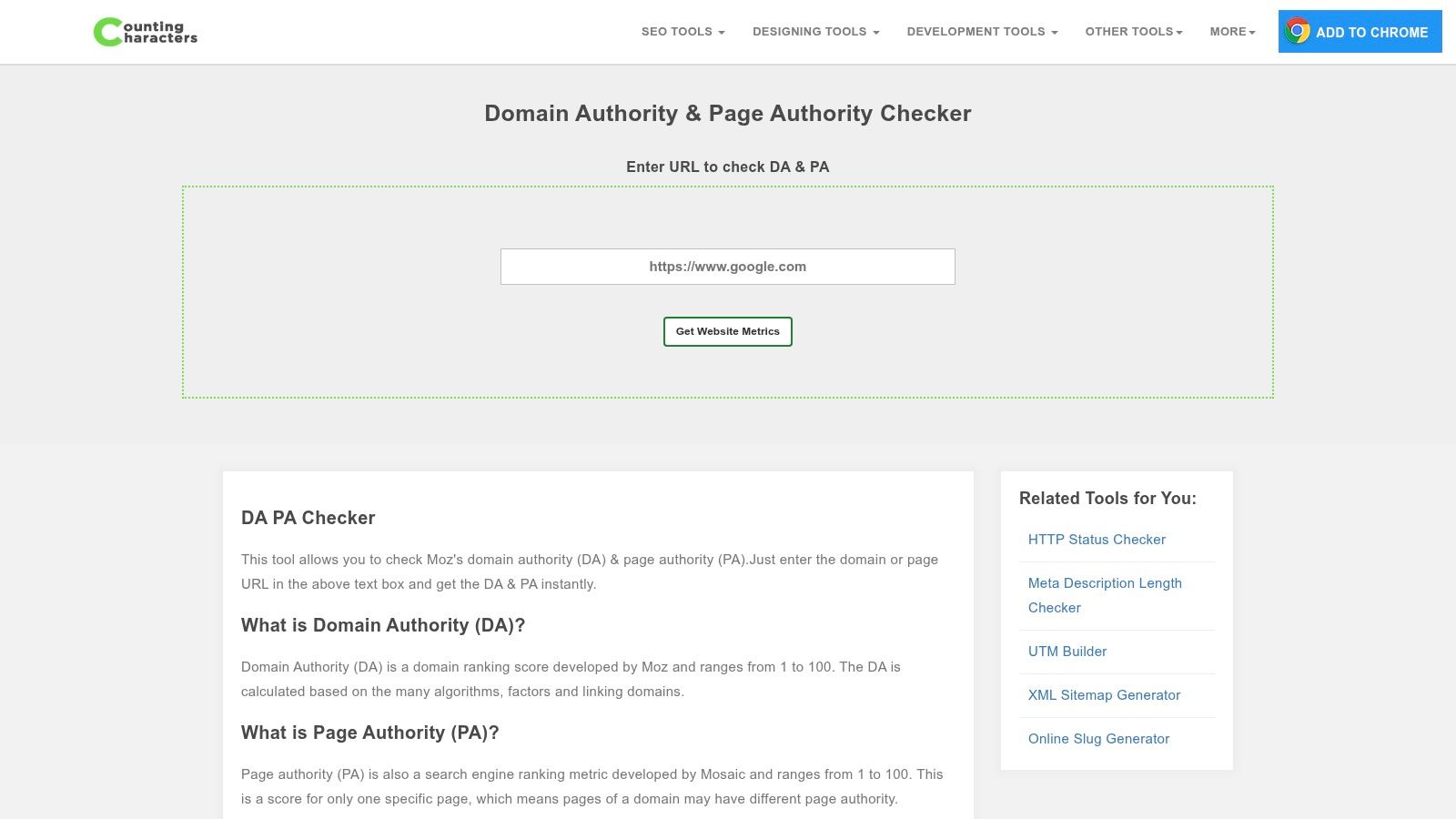
Counting Characters is one of those surprisingly useful minimalist tools that sticks around because it respects your time. There's no grand platform promise. You paste a URL and get a quick authority view.
That makes it useful as a corroboration tool. Not because it's fancy, but because second opinions matter when a candidate sits near your acceptance threshold.
When I'd use it
Say a prospect looks decent but not great. You've checked it once already and want another quick look before moving to deeper research. This kind of lightweight checker is handy for that moment. It removes enough uncertainty to help you choose the next action.
It also works well when you're on a smaller screen, working fast, or just don't want a heavyweight interface.
- Very fast single checks: Good for borderline candidates.
- Minimal interface: Less distraction, faster decision-making.
- Useful for corroboration: Nice as a lightweight second pass.
The catch
You won't get much surrounding intelligence. No serious bulk workflow, no rich context, no advanced risk screening. That's fine as long as you treat it like a utility rather than a verdict engine.
If a domain or page matters, don't stop here. But as a lightweight check in the middle of a busy day, it earns its keep.
Try Counting Characters Website Authority Checker
9. Bulk SEO Tools Bulk Domain Authority Page Authority and MozRank Checker
Bulk SEO Tools is utilitarian in the best and worst ways. It's practical, direct, and useful for batch processing. It also looks and feels like a tool that cares more about function than polish.
For many SEOs, that's perfectly fine.
Good for one-off list processing
If you've exported a set of domains from SERPs, scraped a prospect list, or assembled a shortlist from outreach research, this tool can help you run bulk authority checks without overengineering the job. It's especially workable for one-off batches where CSV-friendly output matters more than a polished interface.
That's the right scenario for it. Put in a list, sort results, and start eliminating weak targets.
- Bulk DA and PA checking: Practical for batch qualification.
- MozRank included: Adds another familiar signal for users who still reference it.
- CSV-friendly workflow: Helpful for spreadsheet-heavy teams.
Not ideal for power users
High-load usage can feel clunky. Queue times and interface limitations become more noticeable when you're trying to process repeated lists all day. If that's your routine, this should be a stopgap, not your main environment.
Still, for occasional bulk work, it's useful. Not glamorous. Useful.
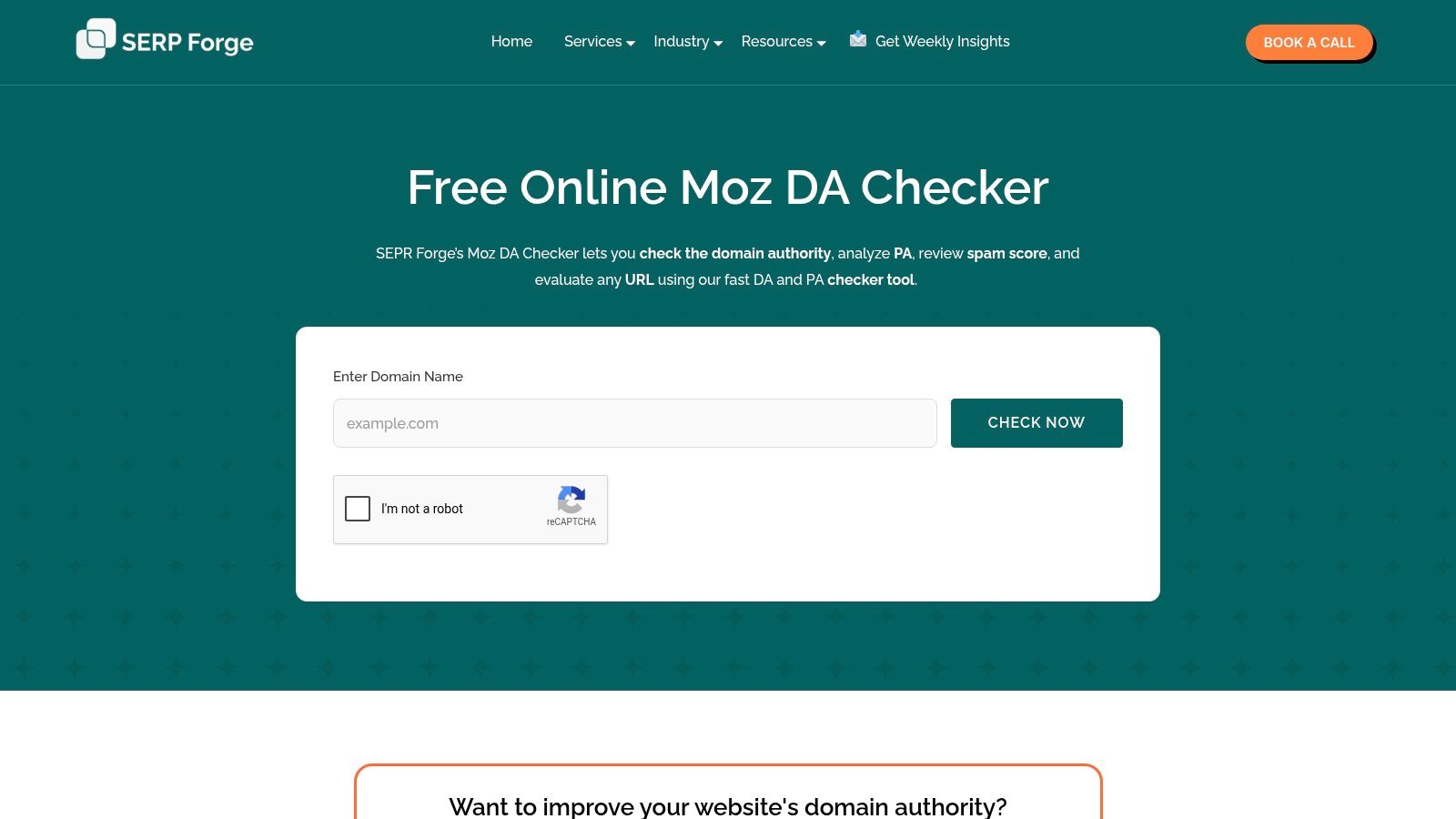
10. SERP Forge Free Moz DA Checker
You pull up a prospect page that shows a surprisingly high PA. Before that number influences an outreach list or a redirect decision, one question matters. Does the page have enough quality around it to trust the score?
SERP Forge is useful for that checkpoint because it puts Spam Score beside DA and PA. That matters in real workflows. I do not use authority metrics as a yes or no filter on their own, especially when reviewing expired pages, guest post opportunities, or domains that look stronger than their backlink profile suggests.
Why this one is useful
SERP Forge fits best in the middle of a campaign, after quick SERP triage and before manual review gets deeper. Run the URL, check DA, PA, and Spam Score together, then decide what deserves a closer look. That saves time because it helps separate pages that are promising from pages that only look good on one metric.
That extra context is the point. A high PA with weak quality signals is a trap. A decent PA with cleaner context is often the better bet.
This also pushes the workflow past score collecting. If a page passes the initial check, the next move is not to trust the metric more. The next move is to inspect links, relevance, indexing, and whether the page can realistically support the SEO goal you have in mind.
Weakness
SERP Forge is still best for one-by-one checks. It helps with validation, not list processing, and that limits its role if you are screening large prospect sets. Smaller tools can also be less consistent during busy periods.
Used the right way, that is manageable. I would keep SERP Forge for spot checks where spam context can change the decision, not for high-volume qualification work.
Try SERP Forge Free Moz DA Checker
Top 10 Free Page Authority Checkers, Comparison
| Tool | Core features | UX & Quality (★) | Value & Pricing (💰) | Target audience (👥) | Unique selling points (✨) |
|---|---|---|---|---|---|
| 🏆 NameSnag | AI discovery; 170k+ domains/day; SnagScore; spam‑free verification; Alerts & API | ★★★★★; curated results & live analysis previews | 💰 7‑day trial; $19/$49/$199 mo (or $119/$299/$1,199 yr); saves research time | 👥 SEO pros, domain investors, affiliate marketers, founders | ✨ Proprietary SnagScore; Early Access Watchers; centralizes Moz/Majestic/Ahrefs |
| SmallSEOTools, Page Authority Checker | Per‑URL PA + DA/link counts; instant lookup | ★★★☆☆; fast but ad‑supported | 💰 Free; ad‑supported; limited throughput | 👥 Casual users, quick spot checks | ✨ No account required; instant PA signal |
| SEO Review Tools, Bulk DA/PA Checker | Bulk DA/PA (Moz 2.0); API & docs | ★★★★☆; reliable Moz‑based bulk | 💰 Free quota; paid API/credits for scale | 👥 SEO pros needing batch screening | ✨ Bulk + API with Moz 2.0 fidelity |
| MozBar (Chrome extension) | PA/DA overlays in SERPs; link marking; CSV export | ★★★★☆; instant in‑browser context | 💰 Free extension; best with paid Moz account for full features | 👥 SEOs doing live SERP triage | ✨ In‑browser authority overlays & link type markers |
| Ubersuggest (Neil Patel) | PA inside keyword/backlink analyses; site overviews | ★★★☆☆; useful for ad‑hoc checks | 💰 Free tier with daily caps; paid plans for more | 👥 Keyword researchers & casual SEOs | ✨ PA integrated with keyword/backlink context |
| WebsiteSEOChecker, DA/PA Checker | DA/PA & Spam Score; single & bulk; credits & API | ★★★☆☆; functional, busy UI | 💰 Pay‑as‑you‑go credits; scalable without monthly subscription | 👥 Agencies, investors needing periodic bulk audits | ✨ Credit model for large one‑off audits |
| Loganix, Free Domain Authority Checker | Returns DA & PA per URL; simple UI | ★★★☆☆; fast, reputable vendor | 💰 Free/no‑frills; not built for heavy bulk | 👥 Link builders & quick validators | ✨ Brand‑backed, practitioner‑oriented tool |
| Counting Characters, Website Authority Checker | Per‑URL DA & PA; minimalist interface | ★★★☆☆; very fast & lightweight | 💰 Free; single‑URL only | 👥 Users needing a quick second opinion | ✨ Minimal UI focused on speed |
| Bulk SEO Tools, Bulk DA/PA & MozRank | Bulk DA/PA/MozRank; CSV output | ★★★☆☆; utilitarian; may queue under load | 💰 Free/basic; limits under heavy use | 👥 One‑off outreach lists & batch graders | ✨ Straightforward CSV‑friendly bulk processing |
| SERP Forge, Free Moz DA Checker | DA, PA & Spam Score for a URL; no account | ★★★☆☆; quick free checks; variable throughput | 💰 Free; single‑URL focus | 👥 Users vetting spam risk alongside PA | ✨ Spam Score + PA in one quick check |
Your Authority-Checking Toolkit Is Ready
A free page authority checker earns its place by saving time in a specific part of the job.
For quick SERP triage, use the fast single-URL tools. SmallSEOTools, Loganix, Counting Characters, and SERP Forge are good for a first pass when the question is simple. Is this page strong enough to respect, weak enough to target, or suspicious enough to ignore? They are not built for deeper qualification, and that is fine. Speed is the point.
MozBar fits a different moment. If you assess opportunities directly on the search results page, a browser overlay is faster than copying URLs into a checker one by one. It helps you compare page-level strength against domain-level strength while the query intent is still in front of you. That matters when the SERP is mixed and a lower-authority site ranks because the page matches the query better.
Bulk work changes the tool choice. SEO Review Tools and Bulk SEO Tools are more useful once you have a prospect list, an outreach sheet, or a batch of pages from a crawl. WebsiteSEOChecker also works here if you want more flexibility around credits instead of another monthly subscription. The trade-off is simple. Bulk tools help you sort faster, but they still need human review before outreach, acquisition, or content planning.
PA is an input, not a decision.
The better workflow is to use PA at the right stage, then add context. Check relevance. Check backlink quality. Check spam risk. Check whether the page is ranking for terms you care about. A decent score on an off-topic or dirty asset wastes time.
That is why a domain workflow matters once you move beyond spot checks. As noted earlier, NameSnag is stronger when the actual job is finding and qualifying domain opportunities, not just reading one metric on one URL. It helps reduce the tab-hopping that slows down expired-domain and expiring-domain research.
The practical setup is straightforward. Keep one fast checker for single URLs. Use MozBar during live SERP review. Switch to a bulk checker when the spreadsheet gets large. Use a domain-focused platform when you need to discover candidates, filter out weak assets, and act before the window closes.
That is how experienced SEOs use page authority checkers. Not as a scoreboard, but as part of a workflow that leads to better decisions.
Find Your Perfect Domain
Get access to thousands of high-value expired domains with our AI-powered search.
Start Free Trial