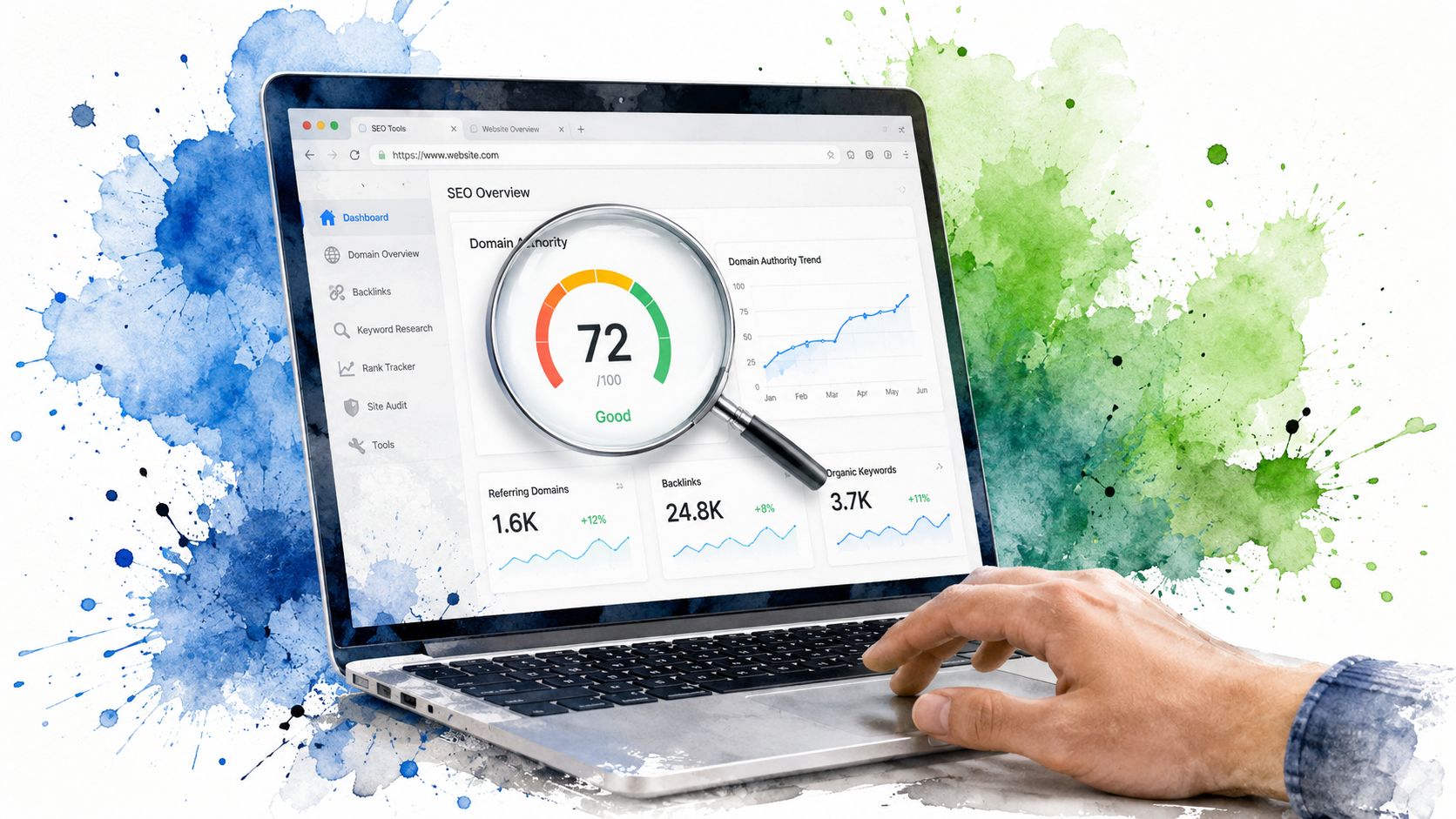
Stop Juggling Tabs: Why Your Browser Needs an SEO Power-Up
You've got a list of domains open, a shortlist forming, and then the old ritual starts. Copy a domain. Open Moz. Paste. Check DA. Open Ahrefs. Paste. Check DR. Open Majestic. Paste. Check Trust Flow. Repeat until your browser looks like a garage sale of SEO tabs and your brain starts skipping over details that count.
That's where a good domain authority checker extension earns its spot in the stack. It turns the browser into the first filter, not the whole research process. Moz explains that Domain Authority is a comparative score on a 1-to-100 scale, built from a machine-learning model using dozens of backlink-related signals, and Moz also says clearly that it isn't a direct Google ranking factor. That's exactly why extensions are useful. They're great for fast screening, not for blind trust.
The modern workflow is also a lot better than the old one-score world. SearchAtlas notes that browser-based workflows now commonly surface DA, PA, Ahrefs DR, Majestic Trust Flow, and Citation Flow side by side in one place through multi-metric extension setups. For agencies, investors, and in-house SEO teams, that's an essential SEO metric for agencies only when it sits inside a smarter review process.
1. MozBar (by Moz)
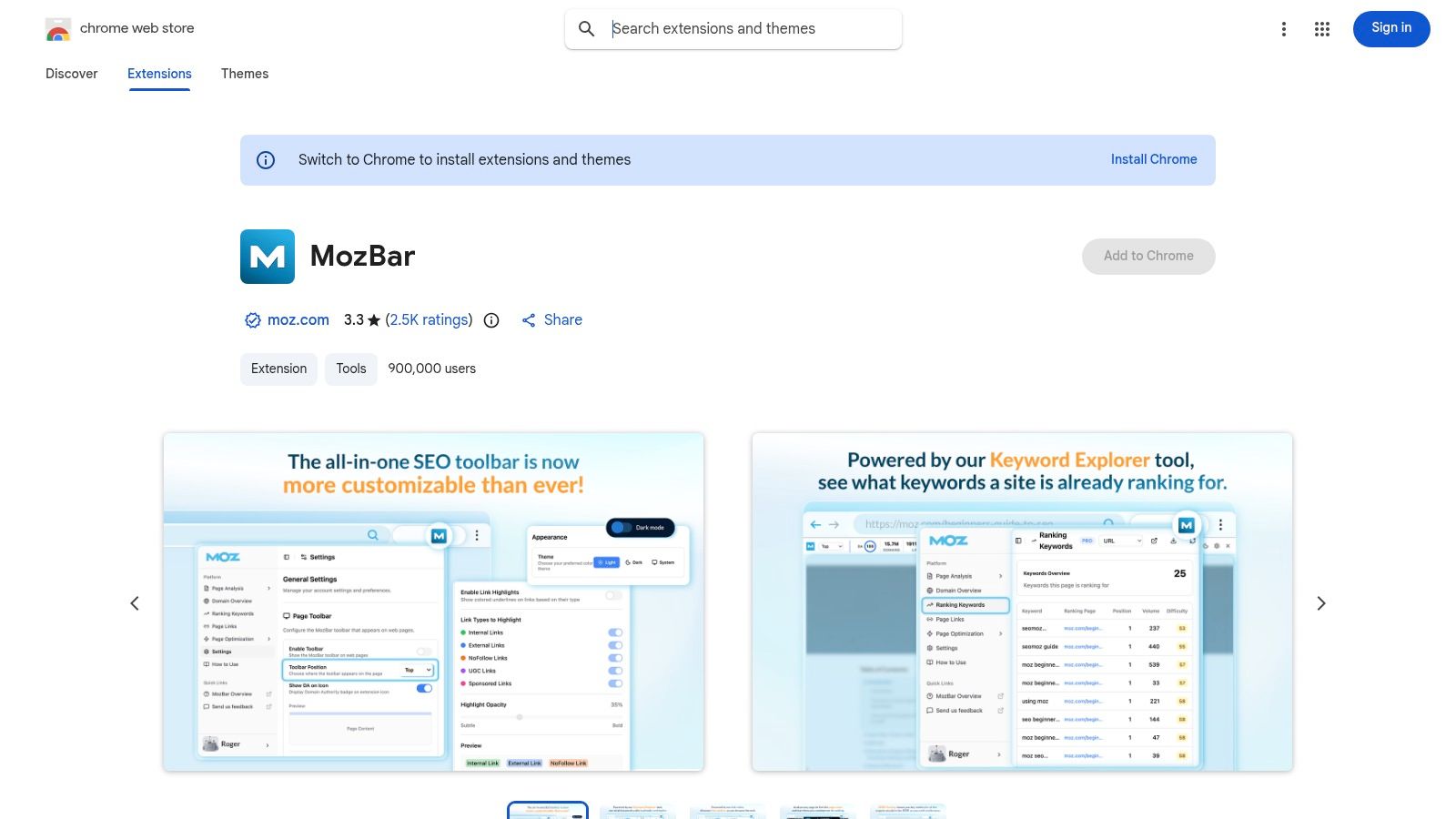
MozBar is still the cleanest way to view Moz's own metrics where they belong. If you care about DA and PA specifically, using Moz's extension is the least confusing path because you're seeing the metric at the source rather than through someone else's wrapper.
This is the toolbar I'd use when the job is prospecting live sites, scanning SERPs, or getting a quick first-pass read on whether a domain deserves more attention. The overlay is simple, the SERP view is handy, and the on-page extras make it more than just a score badge.
Where MozBar works best
Moz's own guidance matters here. DA is a comparative signal, not a standalone verdict, so MozBar shines when you're comparing several domains quickly rather than trying to make a final purchase decision from one number. If I'm qualifying outreach targets, I like MozBar because I can get DA, PA, and page-level context without breaking flow.
A few practical wins stand out:
- Direct DA and PA access: You get the original Moz metrics in-browser, which is useful if your team already reports in Moz terminology.
- SERP overlays: Great for eyeballing relative authority across a page of results before deciding who's realistically beatable.
- Link and on-page context: Follow, nofollow, internal, and external link highlighting helps you move from “Is this site strong?” to “Is this page useful?”
For a broader breakdown of tool types around this metric, this guide to domain authority checker tools is worth keeping nearby.
Practical rule: Use MozBar to shortlist. Don't use it to buy a domain without a backlink review.
The trade-off is simple. MozBar gives you fast signal, but DA is still a Moz-specific lens. That's useful, not universal.
2. Ahrefs SEO Toolbar
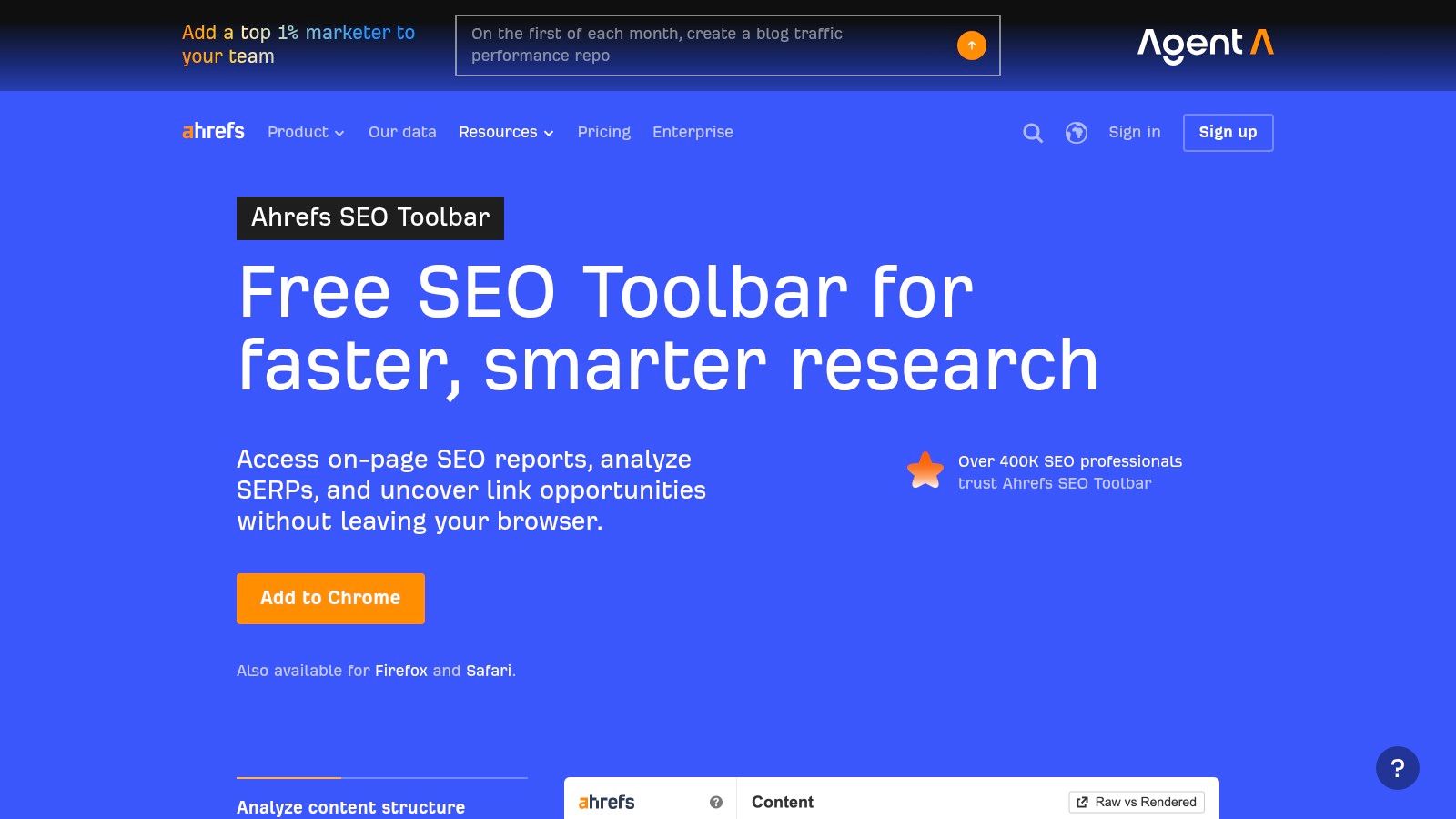
If your brain naturally thinks in DR instead of DA, Ahrefs SEO Toolbar will probably feel more natural than anything else on this list. Ahrefs explains that its authority metric is based on the quality and quantity of external backlinks, and that browser access is available through the extension with an account. That makes it a very practical option for link builders who live inside Ahrefs already.
I like Ahrefs SEO Toolbar when I'm prospecting links or checking SERPs in a niche where backlink quality tells the story faster than surface-level on-page polish. It's also one of the better options for people who want browser metrics plus a fast on-page report in the same tool.
Why link builders stick with it
Ahrefs tends to fit teams that already trust its backlink index and use DR/UR as their internal shorthand. In that environment, the toolbar saves real friction because it puts referring-domain context and page strength right next to the result.
A few spots where it earns its keep:
- SERP-level DR and UR views: Helpful when deciding whether a ranking page is weak enough to target.
- On-page SEO panel: Useful for a fast content and structure check after the authority screen.
- Region and language switches: Handy for international work when you want to inspect SERPs without bouncing between tools.
What doesn't work so well? If you don't already operate inside Ahrefs, the extension can feel like a front end for a larger subscription rather than a standalone answer. And like DA, DR is its own scoring system. It's smart to compare patterns, not chase one vendor's number as gospel.
3. Majestic Backlink Analyzer
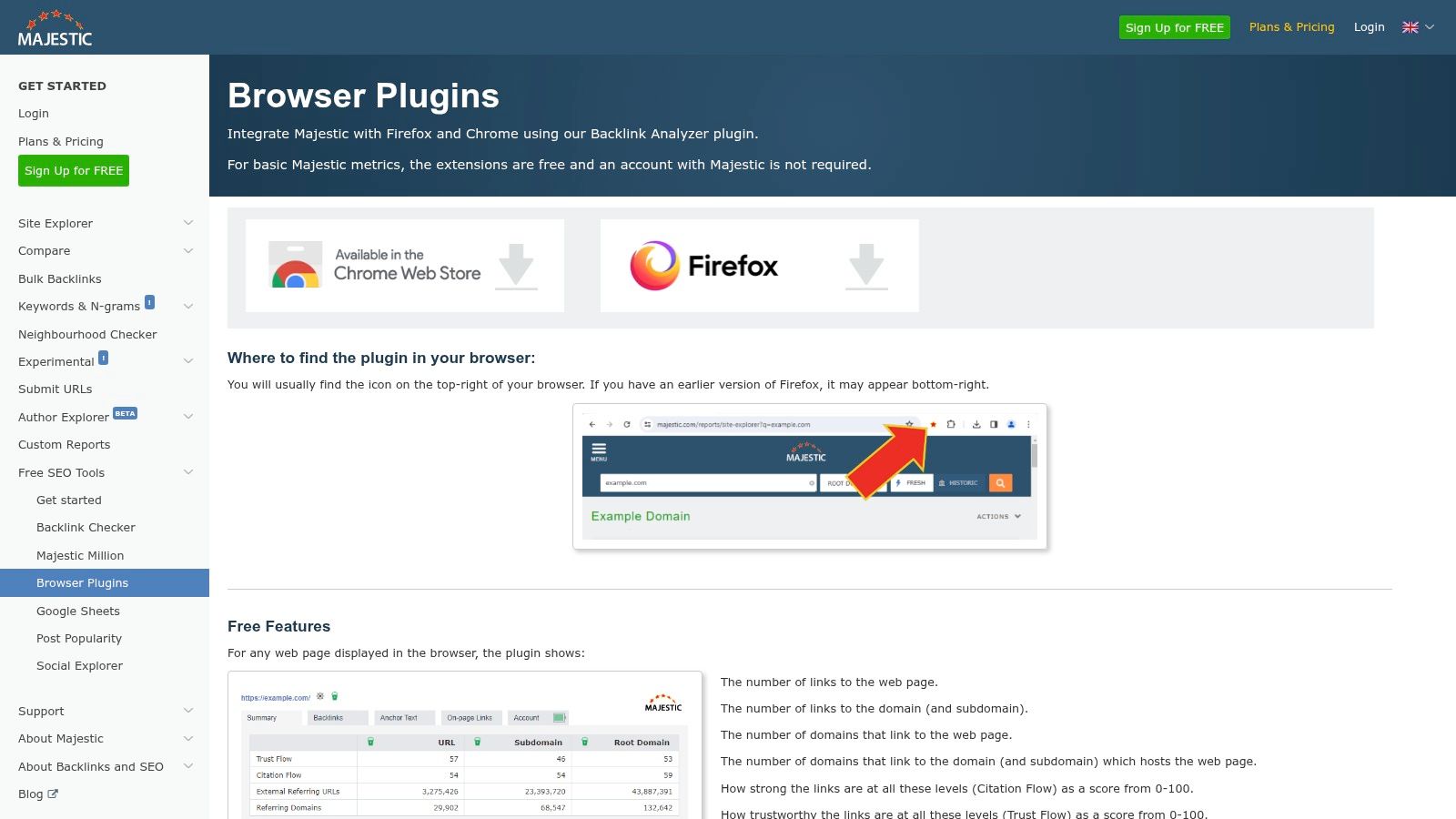
Majestic Backlink Analyzer is the one I reach for when I want a trust lens, not just an authority lens. That distinction matters more than is often acknowledged, especially with expired domains and sketchy link prospects.
Majestic's Flow Metrics can help you spot profiles that look strong on the surface but feel off once you inspect trust versus sheer citation volume. It's a more link-centric extension than MozBar or Ahrefs SEO Toolbar, and that's exactly why some SEOs love it.
Best use case for Majestic
This extension is especially useful when you're trying to sniff out manipulated backlink profiles. If a domain has headline strength in one tool but weak trust signals in Majestic, I slow down immediately.
Here's where it's strong:
- Trust Flow and Citation Flow badges: Good for quick pattern recognition while browsing.
- Backlink detail snapshots: Helpful when you want immediate context on the current page.
- Topical angle: Useful when relevance matters as much as raw strength.
If you need a refresher on what these authority-style metrics do and don't mean, this explanation of domain authority in SEO pairs well with Majestic's trust-first view.
A domain with decent headline authority but weak trust signals usually needs a slower, uglier audit. That's rarely the one you want to buy in a hurry.
The downside is that Majestic feels narrower than some all-purpose toolbars. If you want rich on-page diagnostics, this isn't the most rounded pick. If you want link quality clues fast, it absolutely earns a tab-free slot in the browser.
4. SEOquake (by Semrush)
SEOquake has been around forever, and there's a reason people still use it. It's quick, familiar, and very good at first-pass SERP analysis.
I don't treat SEOquake as a pure domain authority checker extension. I treat it as a reconnaissance tool. It gives you enough page and SERP context to decide whether a result deserves a deeper look in your main stack.
Why it still makes sense
SEOquake is especially good when you're moving through search results fast and want a broad read on competition. The SERP overlay and export options make it useful for quick scans, and the on-page checks keep you from evaluating a page on authority alone.
A few practical strengths:
- SERP overlays and export: Good for competitive scans when you want to compare multiple results quickly.
- On-page checks: Helpful for seeing whether a page is ranking on real merit or just on link strength.
- Link reports and density views: Not glamorous, but useful in live audits.
If your process starts with broad screening and then narrows into stronger authority analysis, SEOquake fits nicely. For anyone comparing various checker types, this domain name authority checker overview gives useful context.
What doesn't work? If your only goal is seeing Moz DA directly, this isn't the tool. SEOquake is better as a flexible free scout than as your final authority judge.
5. Serpstat Website SEO Checker
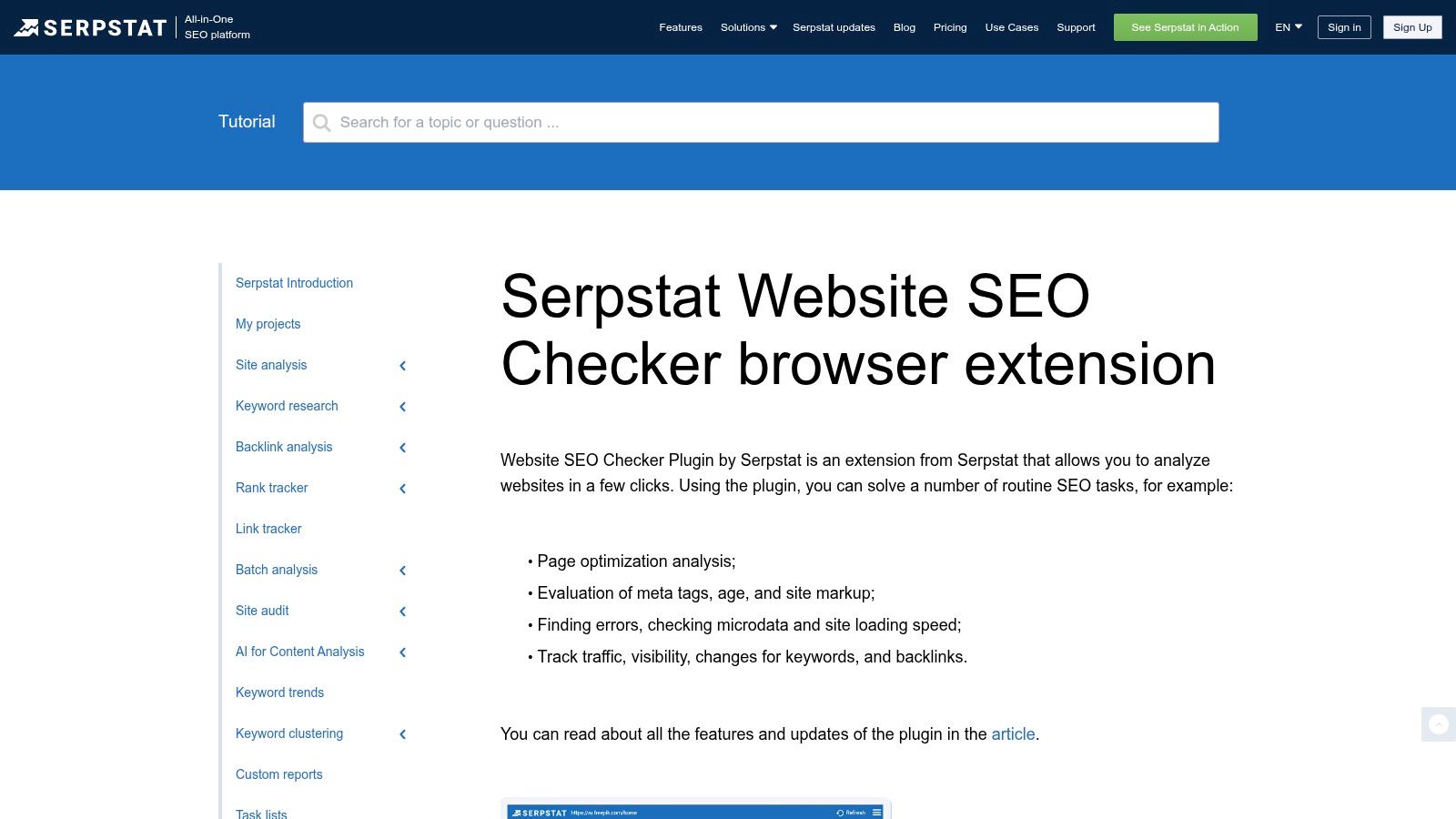
Serpstat Website SEO Checker is one of those tools that makes more sense than it gets credit for. It gives you a vendor-specific read on domain strength while also packaging visibility and page analysis in a way that's easy to use mid-browse.
I like it when I want a second opinion that isn't just another copy of the same score logic. That's useful because the big mistake people make with authority metrics is assuming they're interchangeable. They aren't.
Where Serpstat earns a spot
Serpstat is a solid fit for SEOs who want another lens without going full enterprise stack. Its in-browser score, competitor snapshots, and on-page checks make it practical for lightweight triage.
What stands out in use:
- SDR in the browser: Handy for a quick domain-level benchmark.
- Visibility context: Useful when you want more than a backlink-derived number.
- Freemium accessibility: Good for teams that want a browser helper before committing deeper.
This is also where strategy matters more than fandom. An SDR readout can be useful, but it should sit next to other signals if the decision has money attached to it.
6. Ubersuggest Chrome Extension
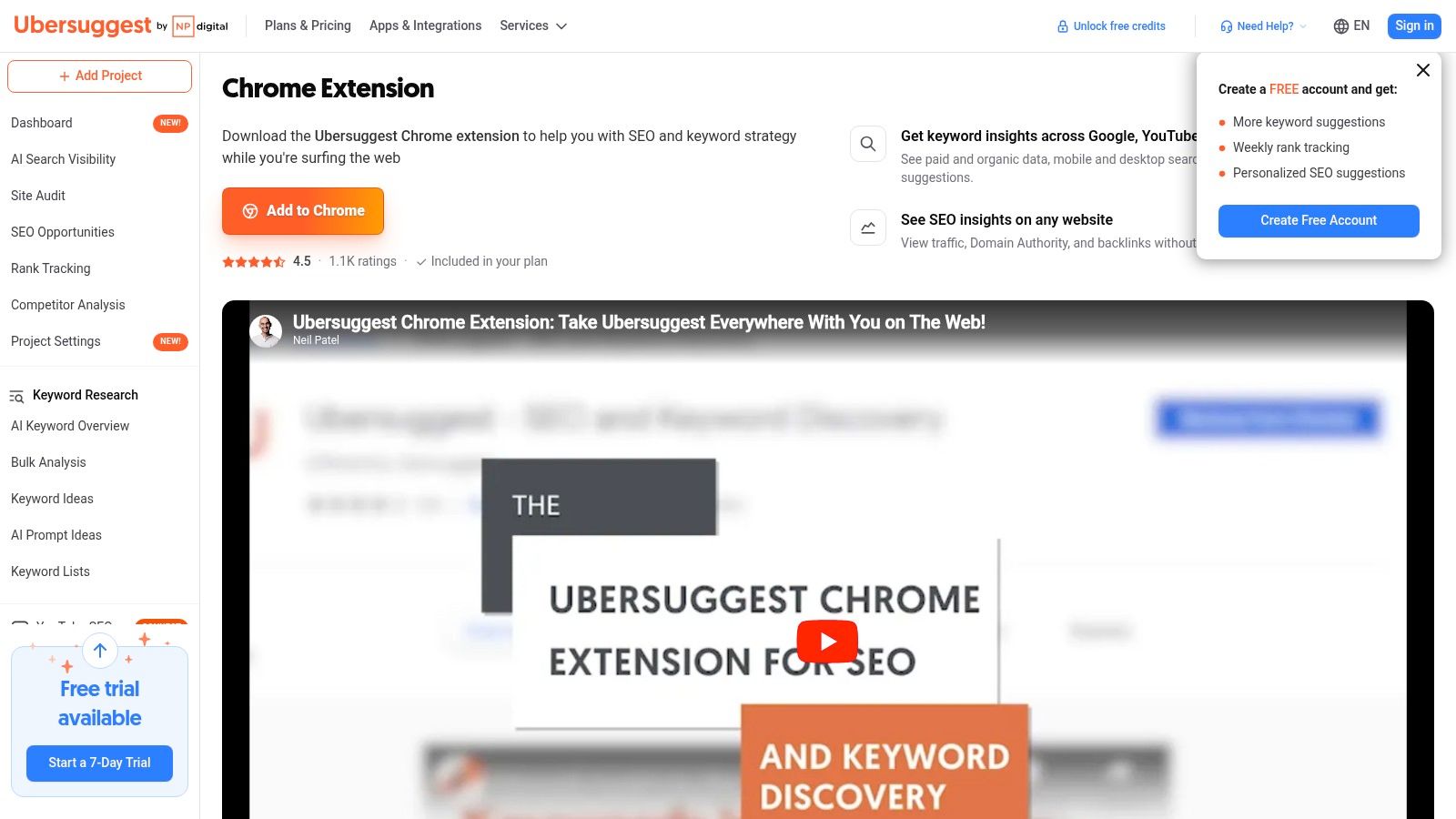
Ubersuggest Chrome Extension is a practical sanity-check tool. It's easy to install, easy to read, and good at giving you a fast “worth another look or not?” answer while you browse.
This one is especially useful for people who don't want a heavy setup on day one. You can move through Google results, see domain-level data, backlink snippets, and traffic-style estimates, then decide whether the page deserves a proper audit elsewhere.
Best for quick filtering
I wouldn't build a full acquisition workflow around Ubersuggest alone. I would absolutely use it for rough sorting.
It works best in these situations:
- Fast SERP scans: You can rule weak opportunities in or out without leaving the results page.
- Backlink spot checks: Useful when you want quick context, not a deep forensic review.
- Beginner-friendly triage: The interface doesn't make you work hard to get signal.
Its weakness is the same as its strength. It's fast because it simplifies. That's perfect for a skim, not for a final call on an aged domain or a pricey link placement.
7. Mangools SEO Extension
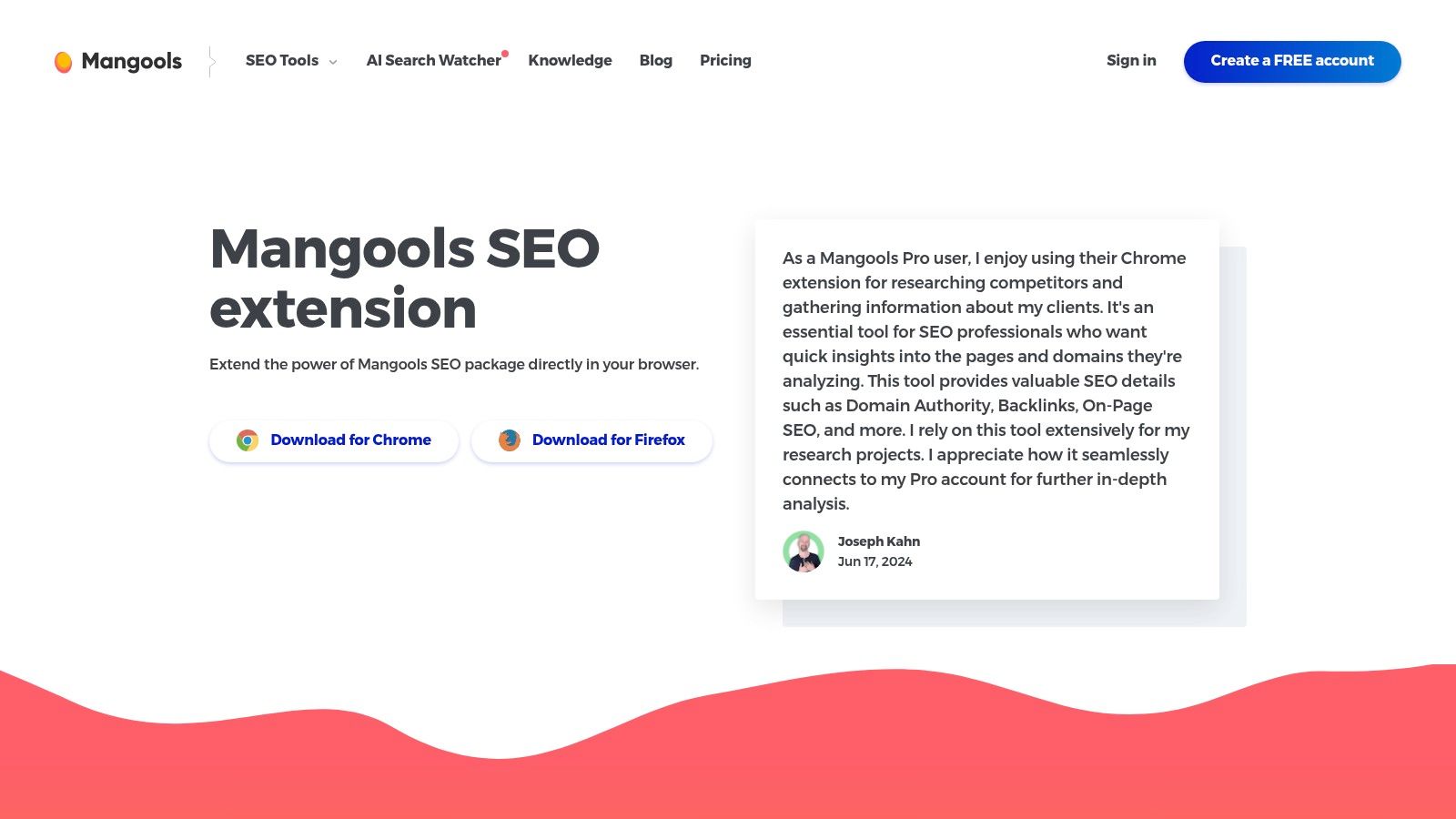
Mangools SEO Extension feels built for speed. The UI is clean, the snapshot is quick, and it fits people who like light tools that don't bury them in panels.
I've seen a lot of SEOs use Mangools as the “keep me moving” extension. It doesn't try to become your whole stack. It gives you enough authority and backlink context to keep momentum, then hands off to the suite if you want more.
The speed advantage
That quick snapshot matters when you're reviewing lots of domains or prospects. A clunky extension kills rhythm. Mangools keeps rhythm.
What it does well:
- One-click SEO snapshot: Good for quick yes-or-no filtering.
- Backlink handoff into LinkMiner: Nice when you want to go from summary to detail without changing ecosystems.
- Low-friction interface: Useful for high-volume screening sessions.
If you're checking lots of domains in one sitting, extension speed matters more than people think. A slow overlay doesn't just waste time. It changes how many domains you're willing to review carefully.
The trade-off is familiar. The extension is strongest when paired with the broader Mangools suite. As a standalone browser layer, it's fast and pleasant. As a single source of truth, it's not enough.
8. SerpWorx
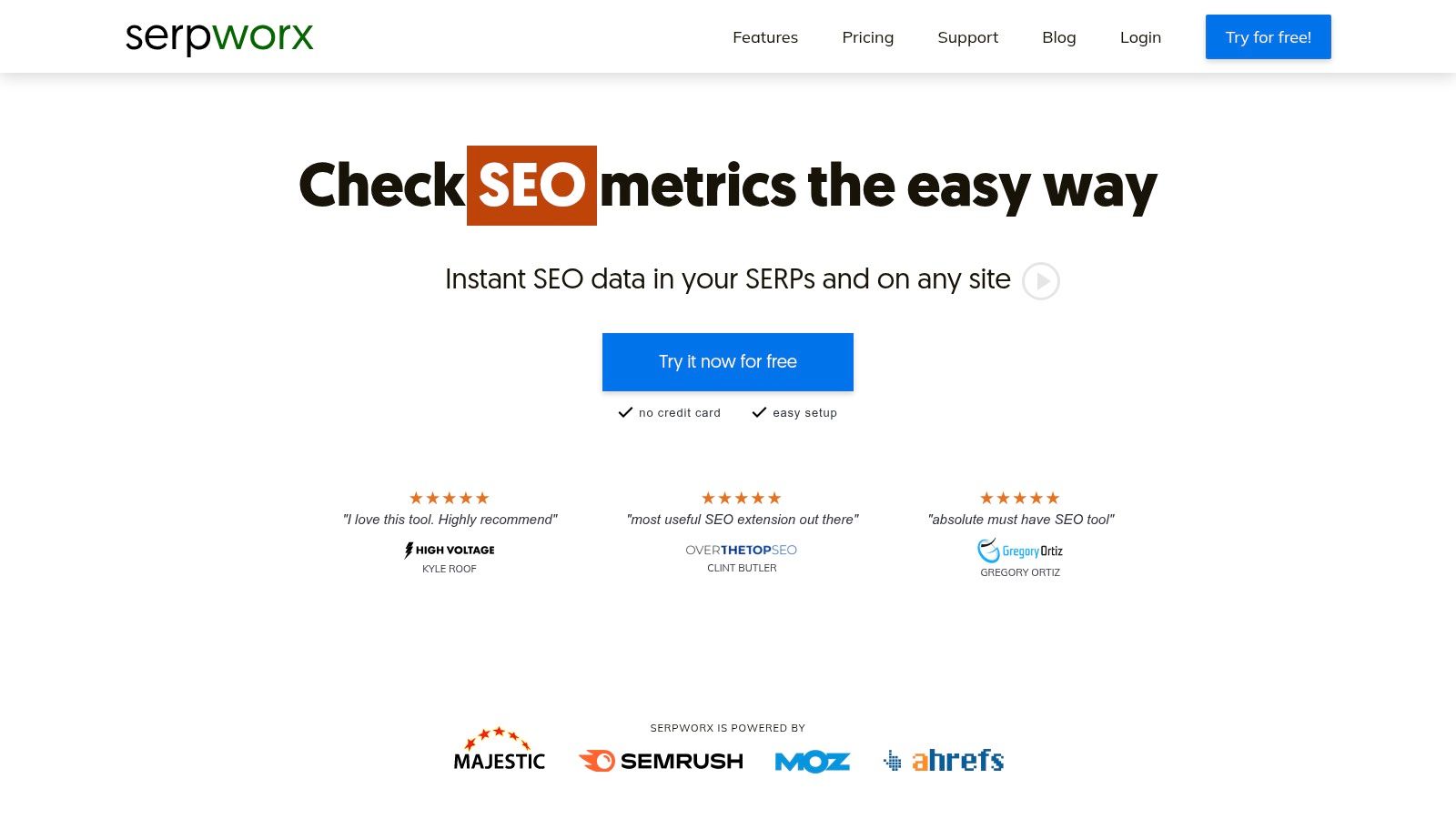
SerpWorx is for people who are tired of pretending one metric tells the whole story. Its whole appeal is consolidation. You can compare multiple authority sources in one place and spot disagreements fast.
That makes it especially useful in the exact situations where extensions usually break down. Outreach qualification. Competitor triage. Expired-domain hunting. Any workflow where one misleading score can waste a lot of time.
Why multi-metric views matter
One of the biggest blind spots in this space is reliability across use cases. Mozilla's listing for a DA checker extension points to an important nuance. Moz frames Domain Authority as comparative, and Duda's guidance says monthly checks are sufficient for most clients because authority moves slowly. Put those together and the browser extension starts to make sense as a spot-check tool, not a high-stakes decision engine on its own, as noted in this discussion of extension reliability and changing authority metrics.
That's why SerpWorx is interesting. It helps you triangulate.
- Cross-provider overlays: Great for catching metric disagreement before it fools you.
- SERP-first workflow: Useful when your work starts in Google, not in a dashboard.
- Connected account flexibility: Strong if you already pay for multiple tools.
The obvious downside is complexity. If you only want one score, SerpWorx is overkill. If you want fewer bad decisions, it's the opposite.
9. LRT Power*Trust (by LinkResearchTools)
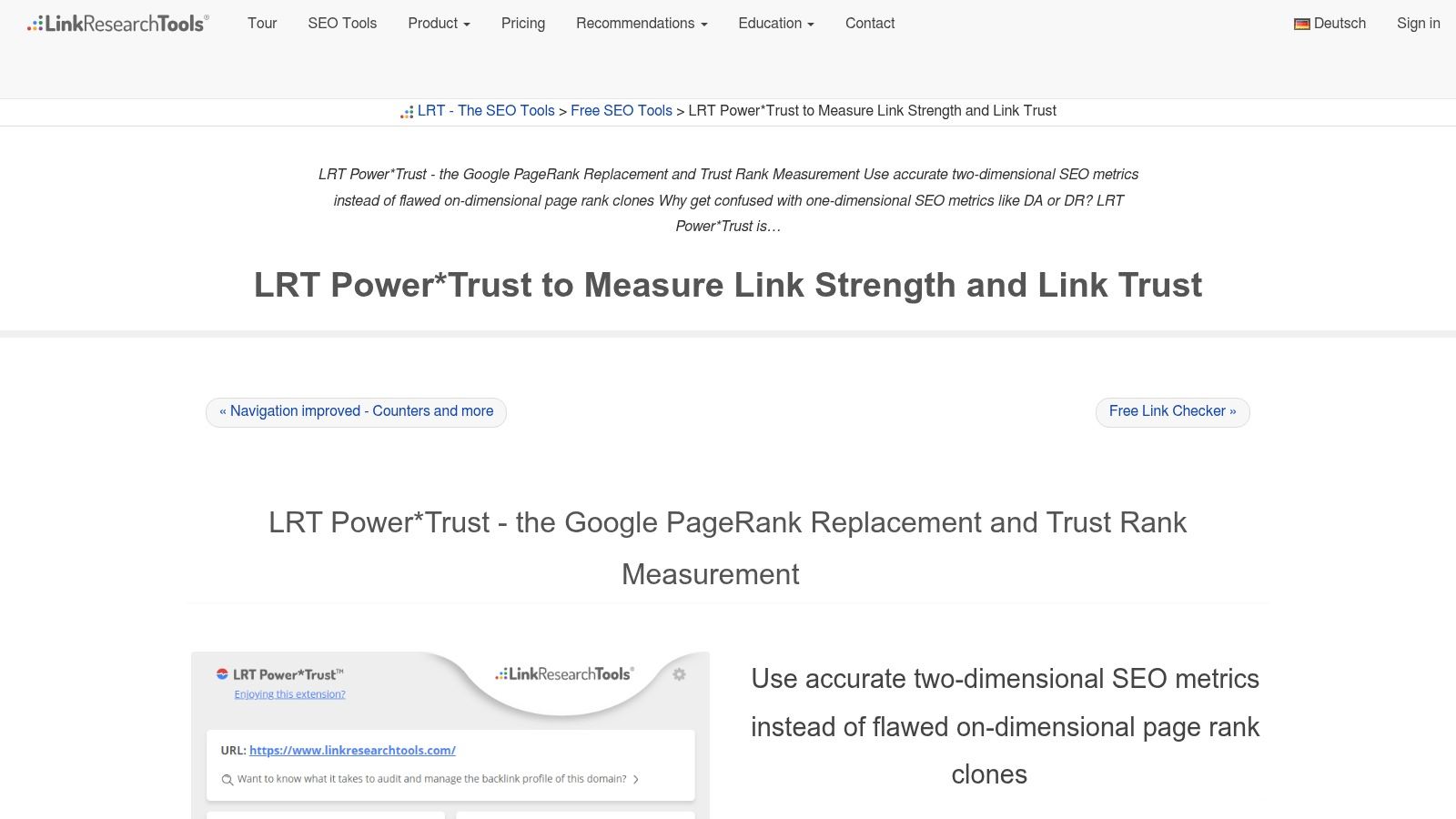
LRT Power*Trust takes a narrower angle than most tools here, and that's a good thing. It's not trying to be the prettiest browser overlay on earth. It's trying to answer a harsher question. Should you trust this thing at all?
That makes it a nice complement to DA and DR-heavy workflows. If you work with aged domains, old link placements, or messy outreach lists, a trust-oriented extension can save you from falling in love with junk.
Good at one uncomfortable job
Power*Trust works best when your risk tolerance is low. It gives you a quick trustworthiness lens and helps flag link targets that look risky before you waste more time.
Where it helps most:
- Trust-oriented screening: Useful for spotting shaky domains early.
- Link quality review: Better for risk checks than for broad SERP analysis.
- Nofollow and link-target clues: Handy during outreach qualification.
This isn't the extension I'd recommend to a beginner as their first install. It is one I'd recommend to a practitioner who already knows that “strong” and “safe” are not the same word.
10. SearchAtlas SEO Chrome Extension
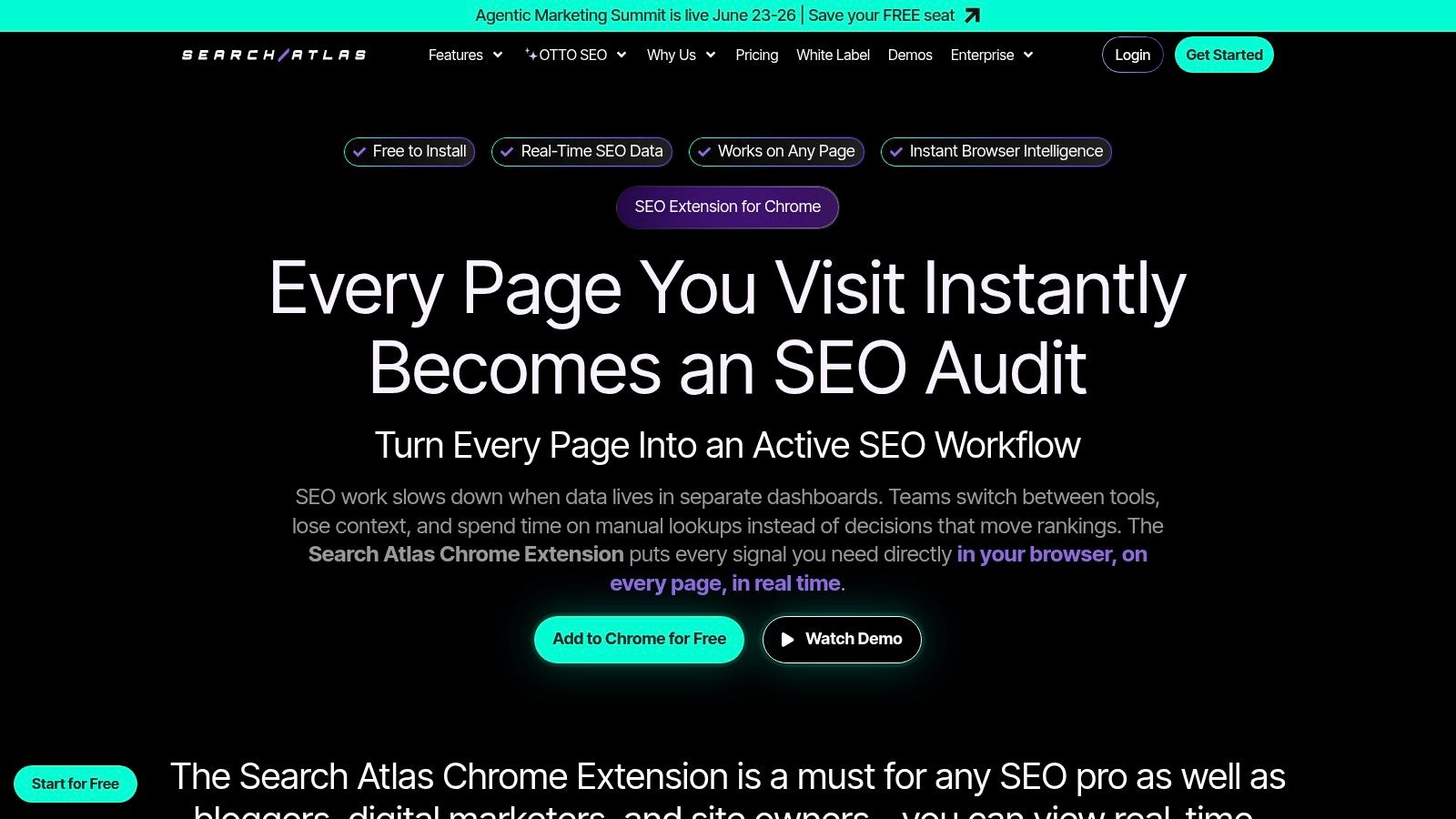
SearchAtlas SEO Chrome Extension leans into the newer style of browser tooling. Compact overlays, SERP intelligence, keyword context, and authority indicators in one pass. It's built for reducing tab switching more than for becoming your final arbiter of quality.
That's a smart direction. The primary value of a domain authority checker extension isn't perfection. It's timing. You want metrics at the moment you're evaluating a page, not five tabs later when the decision has already drifted.
A modern overlay for triage
SearchAtlas's broader view of browser-based SEO tooling is useful here. It highlights how modern setups surface multiple authority metrics side by side because SEO work moved from isolated lookups to integrated browser workflows. That evolution is useful in major screening tasks, but it also reinforces a hard truth. Vendor-defined authority indicators are only as good as the context around them, as noted earlier.
Where this extension fits:
- Compact SERP overlays: Good for quick triage before deeper checks.
- On-page and SERP blend: Useful when you want context without opening a full suite.
- Reduced tab switching: Great for keeping momentum during prospecting.
The catch is straightforward. Its authority indicators still need validation against your main metrics. Used that way, it's handy. Used as the final judge, it's asking too much of a browser panel.
Top 10 Domain Authority Checker Extensions Comparison
| Tool | Core features ✨ | UX & Metrics ★ | Value & Price 💰 | Target audience 👥 | Best use / USP 🏆 |
|---|---|---|---|---|---|
| MozBar (by Moz) | ✨ DA/PA overlay, SERP CSV, link highlighting, on‑page audit | ★★★★☆ | 💰 Free; Moz Pro unlocks deeper data | 👥 SEOs, researchers, domain scouts | 🏆 Instant Moz metrics in‑browser for quick screening |
| Ahrefs SEO Toolbar | ✨ DR/UR, referring domains, traffic, on‑page report, region switch | ★★★★★ | 💰 Paid (Ahrefs account needed for full metrics) | 👥 Link builders, advanced SEOs, domain investors | 🏆 Trusted large backlink index for accurate DR checks |
| Majestic Backlink Analyzer | ✨ Trust Flow / Citation Flow, Topical TF, backlink list | ★★★★☆ | 💰 Freemium; subscription for full backlink details | 👥 Link analysts, domain evaluators | 🏆 TF/CF lens to spot manipulated or topical link profiles |
| SEOquake (by Semrush) | ✨ SERP overlay, on‑page audit, CSV export, keyword density | ★★★★☆ | 💰 Free; Semrush account for deeper data | 👥 General SEOs, quick triage users | 🏆 Fast, free first‑pass SERP and on‑page audits |
| Serpstat Website SEO Checker | ✨ SDR, visibility & traffic estimates, on‑page checks, freemium | ★★★☆☆ | 💰 Freemium; paid plans for depth | 👥 Budget SEOs, second‑opinion analysts | 🏆 Good value vendor‑specific Domain Rank (SDR) view |
| Ubersuggest Chrome Extension | ✨ Domain Score/DA, backlink snippets, traffic & SERP keyword volumes | ★★★☆☆ | 💰 Free tier with limits; paid upgrades | 👥 Beginners, quick sanity‑check scanners | 🏆 Easy free checks paired with Ubersuggest app |
| Mangools SEO Extension | ✨ Fast SEO snapshot, DA, quick jump to LinkMiner | ★★★★☆ | 💰 Freemium; paid Mangools suite for full features | 👥 Small agencies, fast screeners | 🏆 Clean, fast UI for high‑speed filtering |
| SerpWorx | ✨ Aggregates Moz/Ahrefs/Majestic/Semrush metrics in SERP | ★★★★☆ | 💰 Paid; connects your provider accounts | 👥 Power users needing cross‑provider triangulation | 🏆 Consolidates multiple authority scores in one panel |
| LRT Power*Trust (LinkResearchTools) | ✨ Power*Trust scores, nofollow flags, risk highlights | ★★★☆☆ | 💰 Paid / part of LRT suite | 👥 Link auditors, domain risk assessors | 🏆 Trust‑focused quick gauge for risky or low‑trust domains |
| SearchAtlas SEO Chrome Extension | ✨ Vendor authority indicators, on‑page + SERP panel, one‑click deeper view | ★★★☆☆ | 💰 Freemium / paid tiers (newer entrant) | 👥 SEOs wanting compact overlay & quick triage | 🏆 Compact blend of on‑page diagnostics and SERP insights |
Your Next Move: From Checker to Champion
The right domain authority checker extension makes your browser smarter fast. It gives you instant context, cuts tab chaos, and helps you filter obvious weak spots before you spend real attention on them. That alone is a big upgrade if your current workflow still involves bouncing between standalone checkers all afternoon.
But the real shift happens when you stop treating extensions as the workflow and start treating them as the first layer of the workflow. That's where a lot of SEO pros stall out. They install a toolbar, get hooked on quick scores, and then over-trust what was only meant to be a screening shortcut.
For live browsing, outreach qualification, and SERP triage, extensions are excellent. For bulk expired-domain research, they're not enough on their own. Duda's guidance focuses on competitor benchmarking and single-site inspection, while the bigger gap is bulk evaluation, spam filtering, and pre-market monitoring for investors and agencies. That's why centralized research platforms matter once you move past casual checking, as discussed in this analysis of DA checker workflows and gaps for expired-domain research.
My practical advice is simple:
- Pick one primary browser metric: DA, DR, TF/CF, or a blended setup. Don't bounce emotionally between scores.
- Add one trust or corroboration layer: That's how you avoid false positives.
- Separate browsing from hunting: Extensions are great for pages you're actively viewing. Centralized platforms are better for large lists and drop monitoring.
If your work includes finding domains before everyone else is staring at the same marketplace pages, a platform like NameSnag fits the second half of that process. You can browse available dropped domains or monitor expiring domains that are still in grace period, then use your preferred extension stack for spot-checking as needed. That's a much cleaner division of labor than trying to force a browser extension to behave like a full hunting system.
Start with one or two tools from this list. Get fluent in what their scores mean, and what they don't mean. That's when a domain authority checker extension stops being a shiny toy and starts becoming part of a serious acquisition process.
A smart domain investor or SEO doesn't just check metrics faster. They build a workflow that catches better opportunities with less noise. That's the standard to aim for, and it lines up well with SaasSky's authority-building framework.
If you want a cleaner way to move from one-off browser checks to actual domain sourcing, NameSnag is worth a look. It's useful for screening domains that are already available to register, tracking expiring names before they drop, and narrowing large pools into a shortlist you can inspect with your preferred extension stack.
Find Your Perfect Domain
Get access to thousands of high-value expired domains with our AI-powered search.
Start Free Trial