That "perfect" domain can blow up your plans fast.
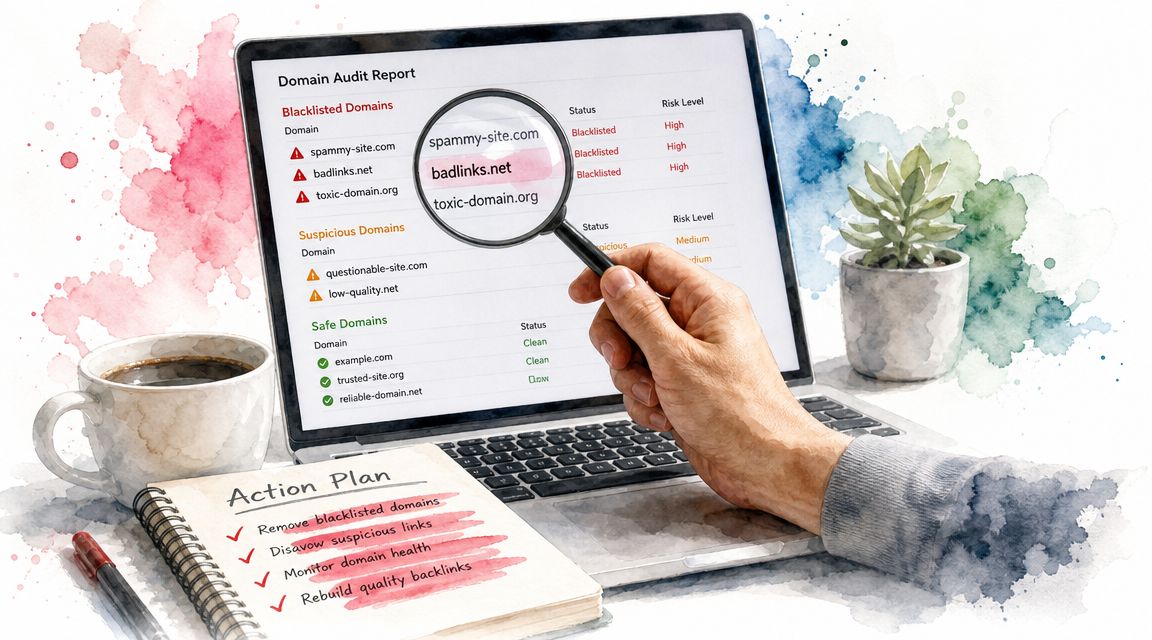
You find a short expired name, the backlinks look decent, and the price feels low enough to justify a quick grab. Then you discover the domain was used for phishing, spam redirects, or malware hosting, and now you've inherited a reputation problem that follows you into email, outreach, and even partner trust. That's why I never treat a blacklisted domains list like a minor checkbox.
This stuff sits inside the broader DNSBL and RBL ecosystem that mail systems use to decide whether a sending host or embedded domain should be blocked. By the mid-2010s, major public domain blacklists like Spamhaus, SURBL, and URIBL were already established. If you're buying dropped inventory without checking reputation, you're not bargain hunting. You're buying someone else's mess.
A clean backlink profile doesn't save a domain with a dirty abuse trail. Before I buy, I want to know whether the problem is old and decayed, actively harmful, or still unresolved. That same mindset applies after launch too, especially if you're tightening ops with practical basics like these 8 steps for website security.
1. NameSnag
You spot a promising expired domain at 8:15 a.m. By 8:20, you have ten tabs open checking backlinks, archive history, spam signals, and whether the name still has any real upside. That routine gets old fast, and it leads to bad buys when you rush the last few checks.
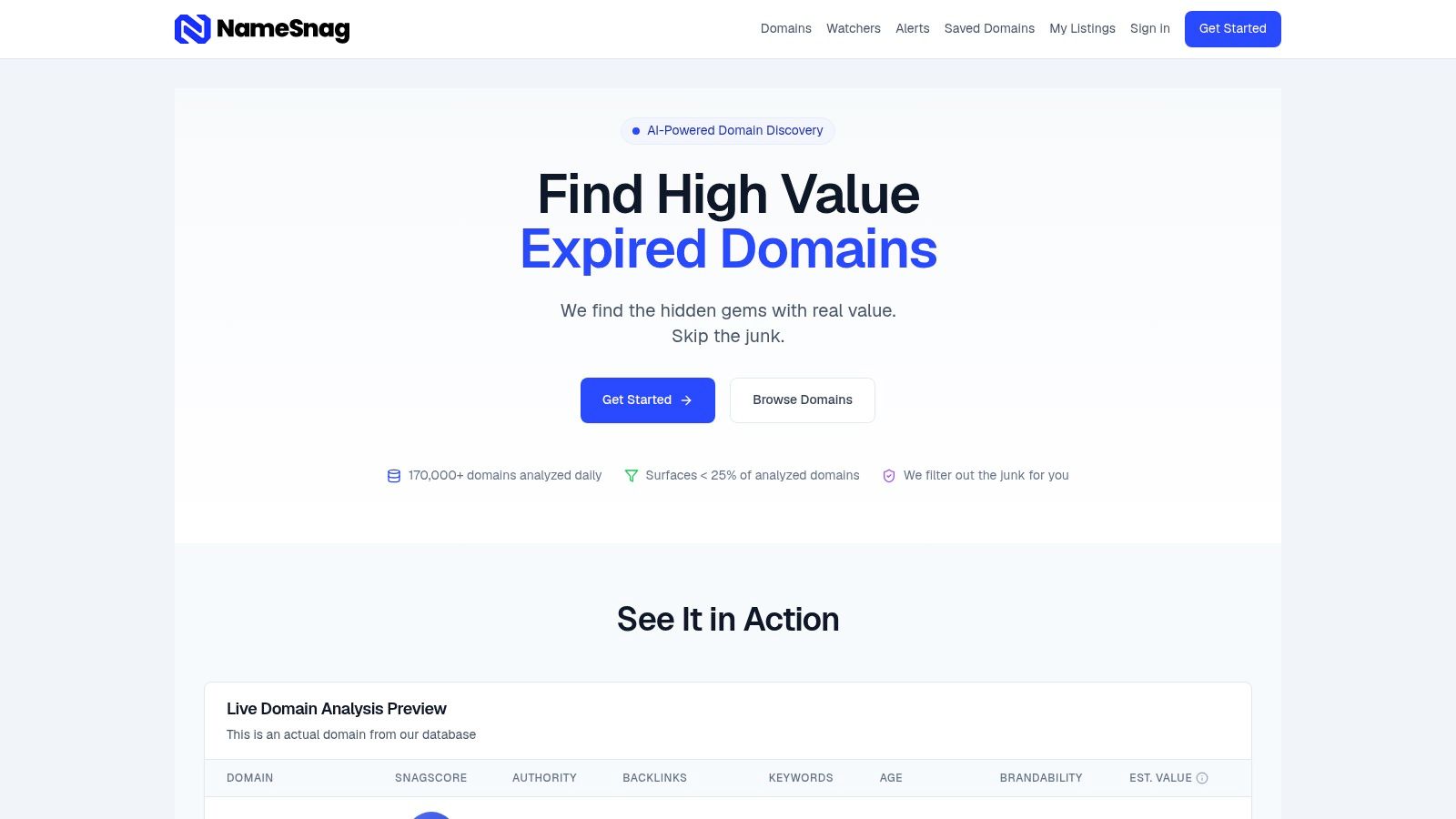
NameSnag fixes the part of the process that wastes the most time. Instead of pulling domains first and screening them later, you start with inventory that has already been filtered for quality, risk, and brand potential. That shift matters if you buy domains every week. It turns blacklist checking from a cleanup task into a sourcing rule.
For domain investors, builders, and SEO operators, that is the value. Fewer junk candidates. Better shortlists. Less time spent investigating names that were never worth serious review.
Why it fits this job
NameSnag pulls together the signals I want early in the buying process, including Trust Flow, referring domains, age, backlink quality, domain authority, brandability, and its own SnagScore™. A dirty domain rarely looks bad in only one place. Usually you see small problems stack up across several signals, and that is exactly why a pre-filtered view is useful.
What I like is the restraint. The platform does not pretend one score can replace judgment. It helps narrow the field, then lets you spend your deeper review time where it counts. If you also want a quick second-pass check before bidding or registering, a domain spam score checker for pre-purchase reviews fits well into that workflow.
Practical rule: The cheapest bad domain is the one you never add to your shortlist.
The two inventory paths matter too. Available dropped domains are useful when you want names you can register now. Expiring domains are better when you're building a watchlist and trying to get ahead of the crowd. I use short time filters for active hunting and broader windows when I am mapping a niche, a keyword pattern, or a brand style.
What works, and what doesn't
Here is where NameSnag earns attention:
- Fast triage: SnagScore gives you a practical first pass without bouncing between separate metrics tools.
- Cleaner discovery: Spam and penalty-risk filters cut out a lot of obvious junk before you waste time on it.
- Timing edge: Alerts and watchers help when good names disappear before casual buyers even see them.
- Faster comparisons: Live previews, use cases, and estimated value make it easier to sort borderline candidates.
The trade-offs are real:
- AI valuation is directional: It helps frame a decision, but it is not a market-clearing sale price.
- Advanced workflows cost more: If you want exports, API access, or broader monitoring, you will feel the plan tiers.
- Final due diligence is still on you: Archive checks, abuse history, and actual prior use still decide whether a domain is safe to build on.
Used properly, NameSnag becomes the front end of a clean-domain pipeline. Source from better inventory first. Cut weak candidates early. Run blacklist and abuse checks on the few domains that survive. That is how experienced buyers keep volume high without filling their portfolio with someone else's problems.
2. Spamhaus Domain Blocklist (DBL)
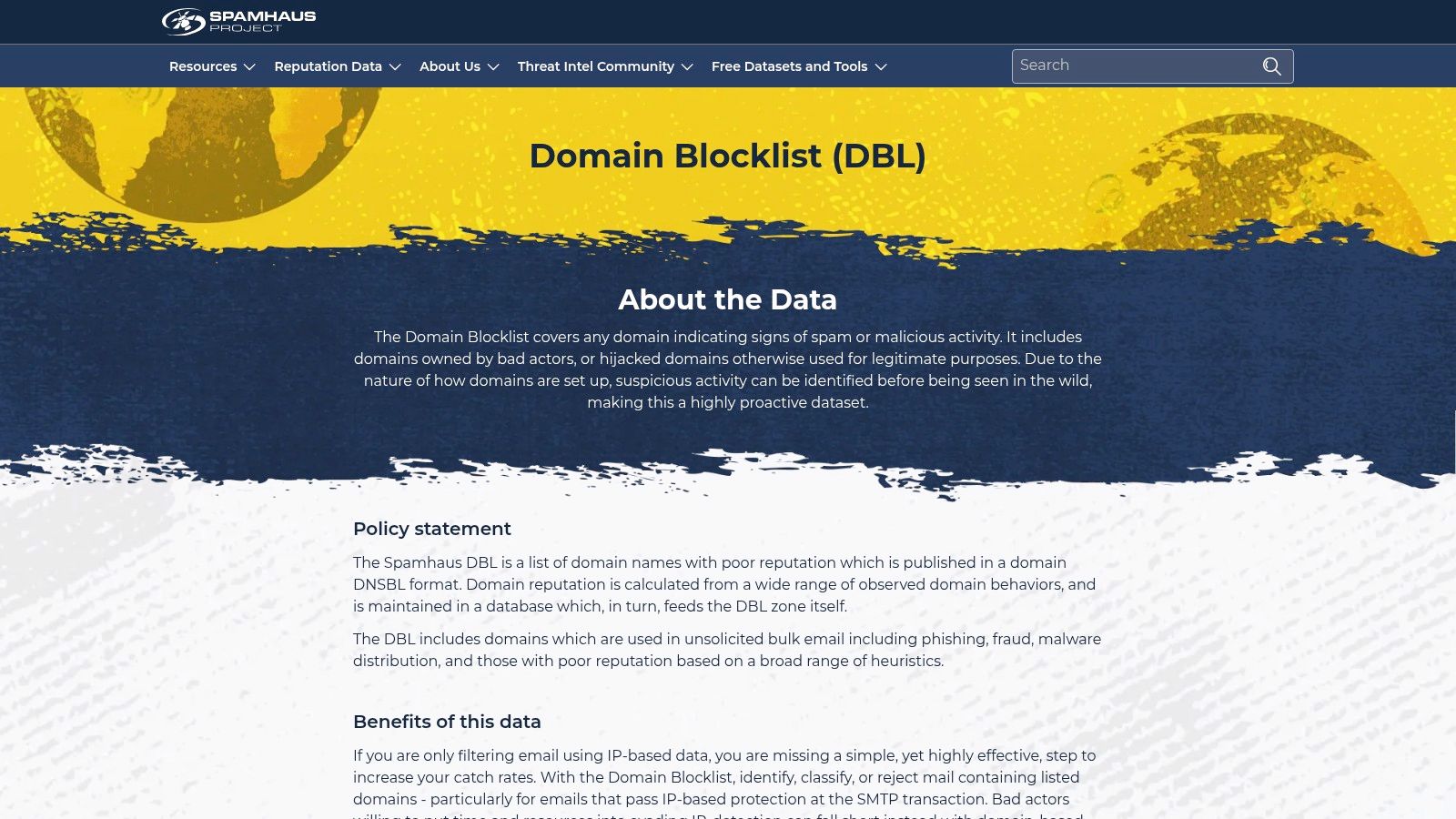
When a domain investor says "I checked the blacklists," this is usually one of the names they mean. And it should be. Spamhaus carries real weight in domain reputation work because its DBL is one of the most important signals in the market.
Spamhaus also makes a point that too many buyers miss. Its Domain Blocklist includes domains owned by bad actors and hijacked legitimate domains, and it can identify suspicious activity before it's widely seen across the internet, according to the Spamhaus DBL overview. That means a listing doesn't always equal "junk forever." Sometimes it means "find out what happened."
Why domain buyers should care
I use Spamhaus DBL less as a yes-or-no verdict and more as a diagnostic trigger. If a domain appears there, I want to know whether the issue came from phishing, malware, bulk spam abuse, or a temporary takeover. Those are very different stories, and they lead to different buy decisions.
This matters even more if you're planning to use the domain for outreach or email. A fast pre-check with a domain spam score checker can help you catch problems early, but Spamhaus is where I look when I want a serious abuse signal.
A domain can have a legitimate ownership history and still become unusable for a while if someone hijacked it or abused a subpath, subdomain, or mail setup.
The downside is simple. Free access methods have usage limits, and if you need higher-volume querying or commercial reliability, you're moving into their paid access routes. That's normal for a tool this central, but hobby buyers should know that "free forever" isn't the ultimate model here.
You can check the product at Spamhaus DBL.
3. SURBL
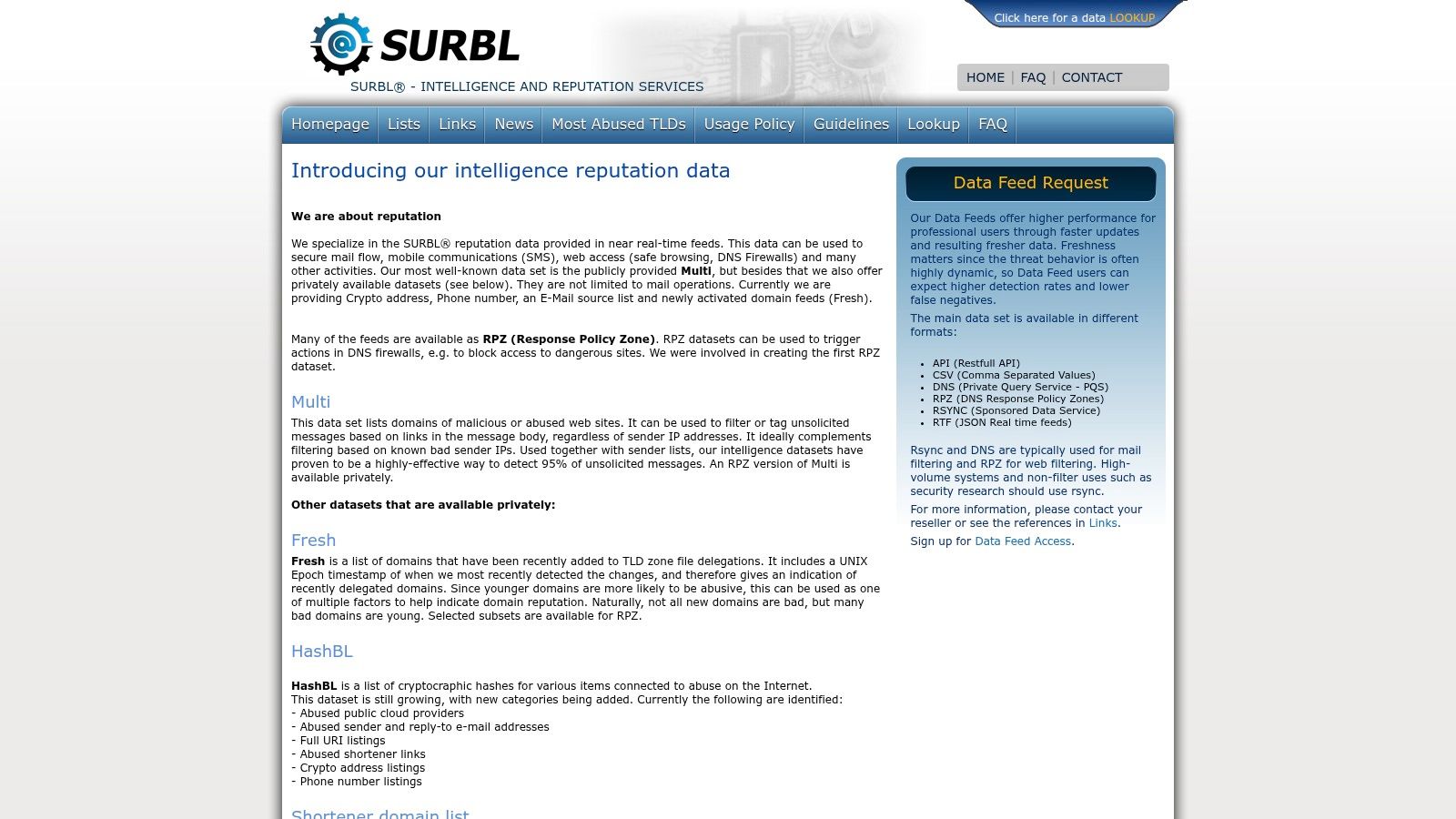
SURBL is old-school in the best way. It focuses on domains and websites found in spam and abuse activity, not just mail servers. For domain buyers, that's important because the risk often lives in the URL reputation, not only in the sending infrastructure.
If I'm screening a domain that looks clean on the surface but has a weird content history, SURBL is one of the checks I trust. It helps catch domains that were embedded in junk campaigns even when the domain itself still looks brandable enough to fool a buyer.
Where SURBL shines
SURBL is flexible. You can use low-volume DNS lookups if you're doing occasional checks, and there are paid delivery methods for professional filtering and integrations if you're running larger pipelines.
That flexibility makes it useful for several workflows:
- Pre-purchase vetting: Check whether a domain has spam-linked URL history before bidding.
- Portfolio monitoring: Track domains you already own if you're reactivating older inventory.
- Operational filtering: Feed results into broader mail or DNS security systems if you're managing multiple projects.
What I like is the categorical feel of the data. It's not just "bad or good." You can get closer to the kind of abuse you're dealing with, which is how you avoid dumping a domain just because one signal looked scary out of context.
The weakness is familiar. Free use is limited, and serious volume means paying. Also, SURBL is strongest when you treat it as one layer in a stack. It catches URL and spam abuse well, but it won't answer every question about search trust, backlink toxicity, or hosting contamination.
You can look it up at SURBL.
4. URIBL
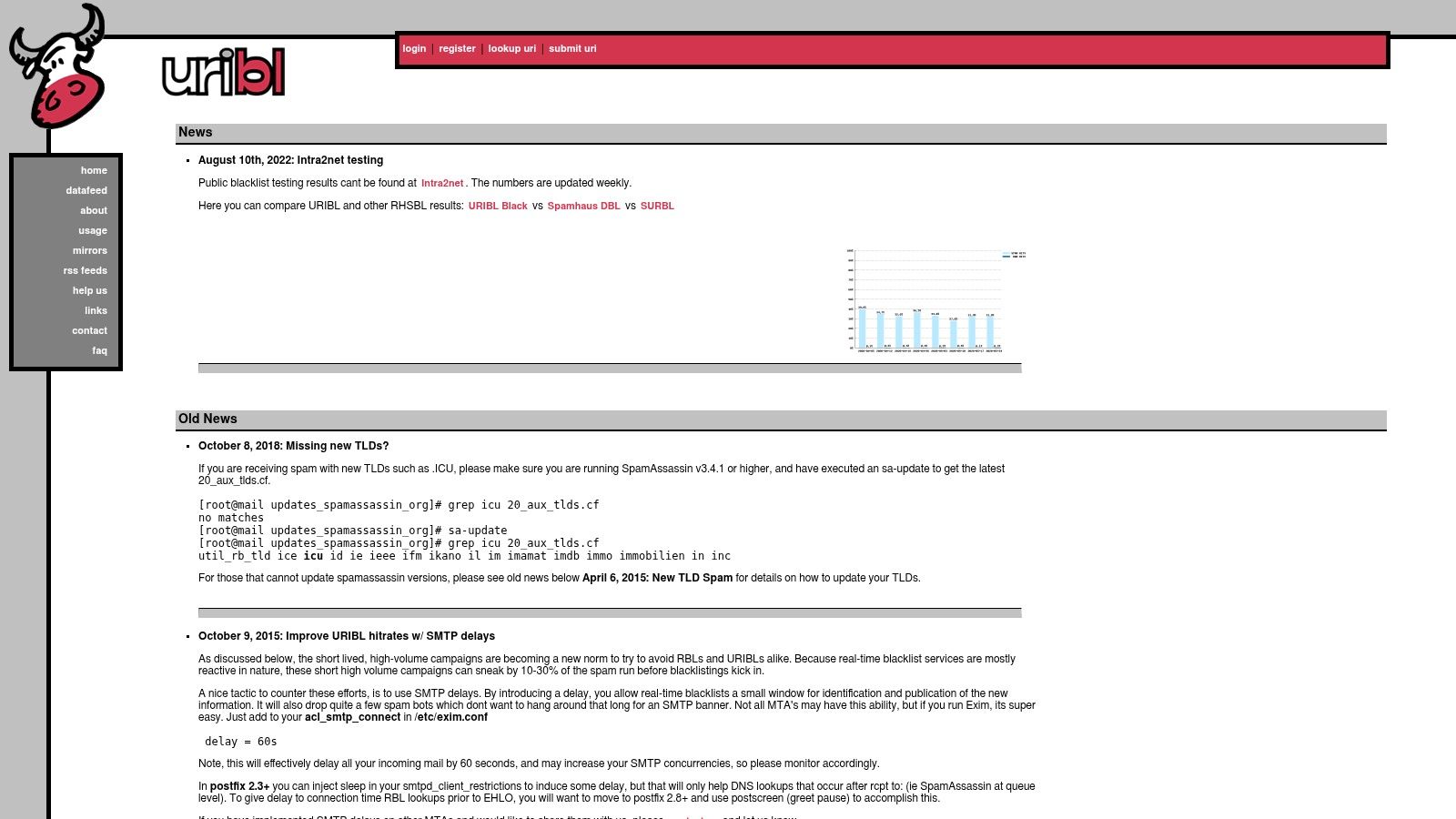
URIBL is one of those tools that keeps showing up because it solves a real problem effectively. It flags domains and URIs that appear in spam, and that makes it a practical screening step for anyone buying names that might be reused for content or email.
I like URIBL for quick reality checks. If a domain's pitch is "great links, aged name, clean brand," but URIBL says it has spam baggage, I'm slowing down. Not always walking away, but definitely slowing down.
Best use case
URIBL is especially handy when you're triaging a larger candidate list. It gives you a straightforward signal without requiring a heavyweight setup just to test a handful of domains. If you're low-volume, the public DNS route is enough to make it useful.
That said, you'll hit limits if you try to use public lookups like a commercial feed. High-volume users usually need the paid datafeed, and queries from public or cloud DNS resolvers may be blocked. That's not a flaw so much as a reminder that blacklist operators protect their infrastructure.
For practical domain investing, I'd put URIBL in the "fast filter" bucket:
- Good for shortlist pruning: Quickly cut names tied to spammy URI history.
- Good for email-adjacent projects: Helpful if the domain may later support campaigns or outreach.
- Less useful alone: It won't tell you whether the abuse is stale, recoverable, or tied to a hijack.
URIBL works because it's focused. It doesn't try to be a full trust framework. It gives you a sharp signal about spam-linked URI activity, and sometimes that's enough to save you from a bad buy.
The official site is URIBL.
5. Google Safe Browsing and Web Risk
This one matters for a different reason. Spamhaus, SURBL, and URIBL are great for classic spam and abuse intelligence. Google Safe Browsing and Web Risk matter because browser trust is a separate battlefield. If a domain has malware or phishing baggage here, you're not dealing with a minor nuisance.
For builders, this can be worse than an email issue. A domain can look fine in SEO tools and still throw serious trust problems in browsers, security products, and client environments.
What I check before buying
When I see a domain with aggressive anchor text, thin old pages, or redirect-heavy history, I assume there could be more beneath the surface. That's where a toxic link review helps. If you're sorting through cleanup questions, this breakdown of what toxic backlinks are pairs well with Safe Browsing checks because abuse trails often overlap.
Google's ecosystem is also a reminder that penalties don't always arrive as one neat label. Browser warnings, phishing flags, bad redirect chains, and spam-linked backlinks can stack up. That's why I also like practical cleanup guidance such as UPQODE's penalty prevention tips.
If a domain has browser-level trust issues, don't talk yourself into a turnaround story unless you can verify exactly what caused it and whether the warnings are gone.
The upside here is obvious. Google's threat intelligence has broad real-world reach. The trade-off is that enterprise-scale use moves into cloud quota and paid infrastructure, which is fine for teams but overkill for occasional buyers.
You can review the developer docs at Google Safe Browsing.
6. Cisco Talos Intelligence
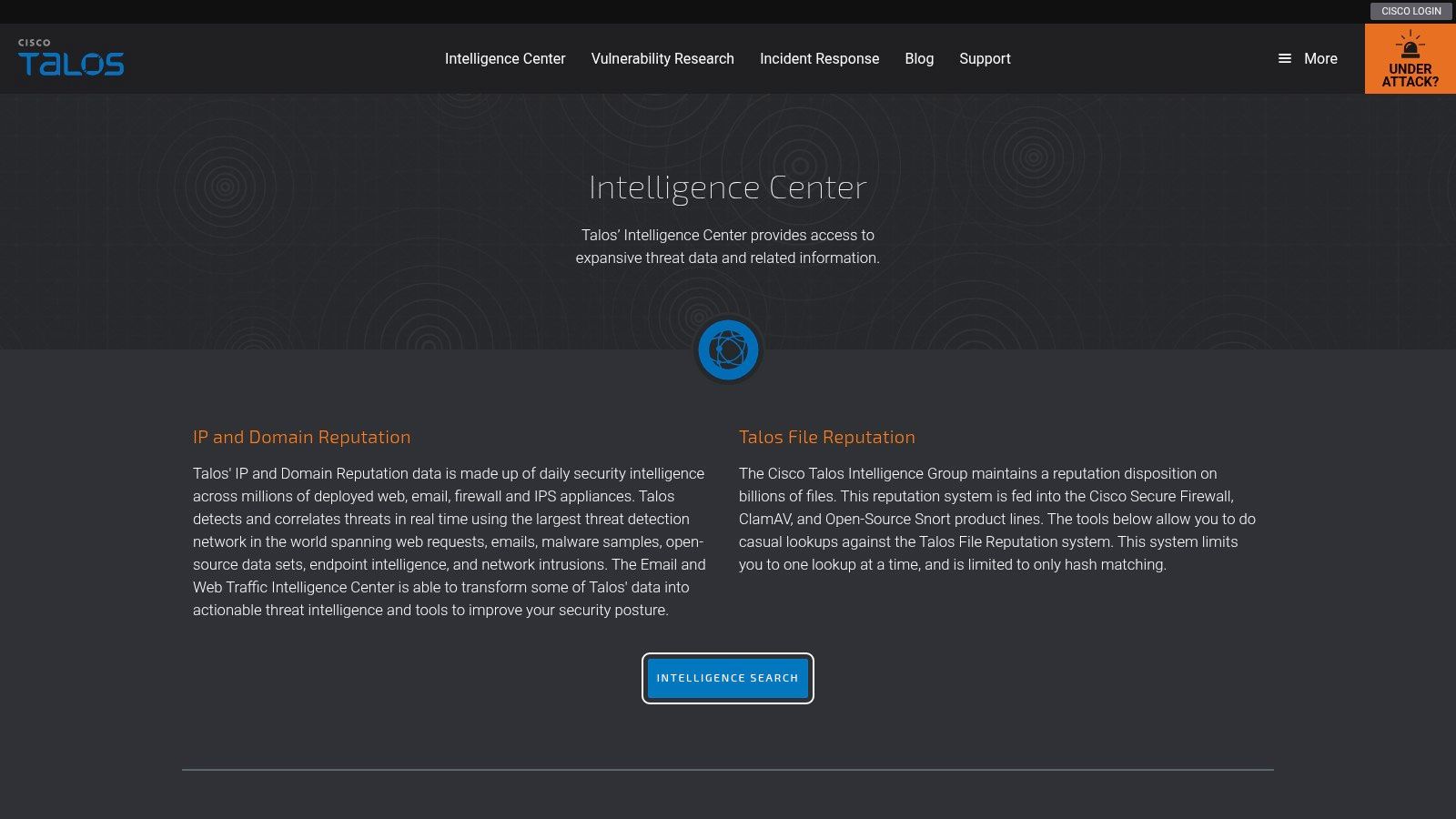
Cisco Talos is the one I check when I want to know how enterprise environments might see a domain. That matters more than many domain buyers realize. If you're selling into B2B, sending outreach to corporate inboxes, or launching a brand that people will access behind managed networks, enterprise reputation signals matter.
Talos gives you public reputation and categorization lookups for domains, URLs, and IPs. It's useful because it reflects the kind of controls large organizations use in the wild through Cisco's broader security stack.
Why it earns a spot
This is not just about "am I blacklisted." It's about how a domain gets classified and treated in business environments. A domain can be technically live and not visibly blocked everywhere, yet still face friction inside corporate security systems.
If you're working through that bigger reputation picture, this guide on domain name reputation is a useful companion because Talos fits into a broader trust model, not just a blocklist check.
I like Talos for three reasons:
- It adds enterprise context: Useful when your buyers, users, or leads sit behind managed networks.
- It handles quick ad-hoc checks well: You can inspect a domain without a complicated setup.
- It helps with recategorization paths: If a domain is misclassified, there are support channels to address it.
Its limitation is also clear. If you want deep automation or continuous enforcement, that's tied to Cisco products and subscriptions, not a simple standalone feed for casual use. For most investors, Talos is best used as a strategic spot-check before buying or relaunching a domain with commercial intent.
The lookup is available at Cisco Talos Intelligence.
7. OpenPhish
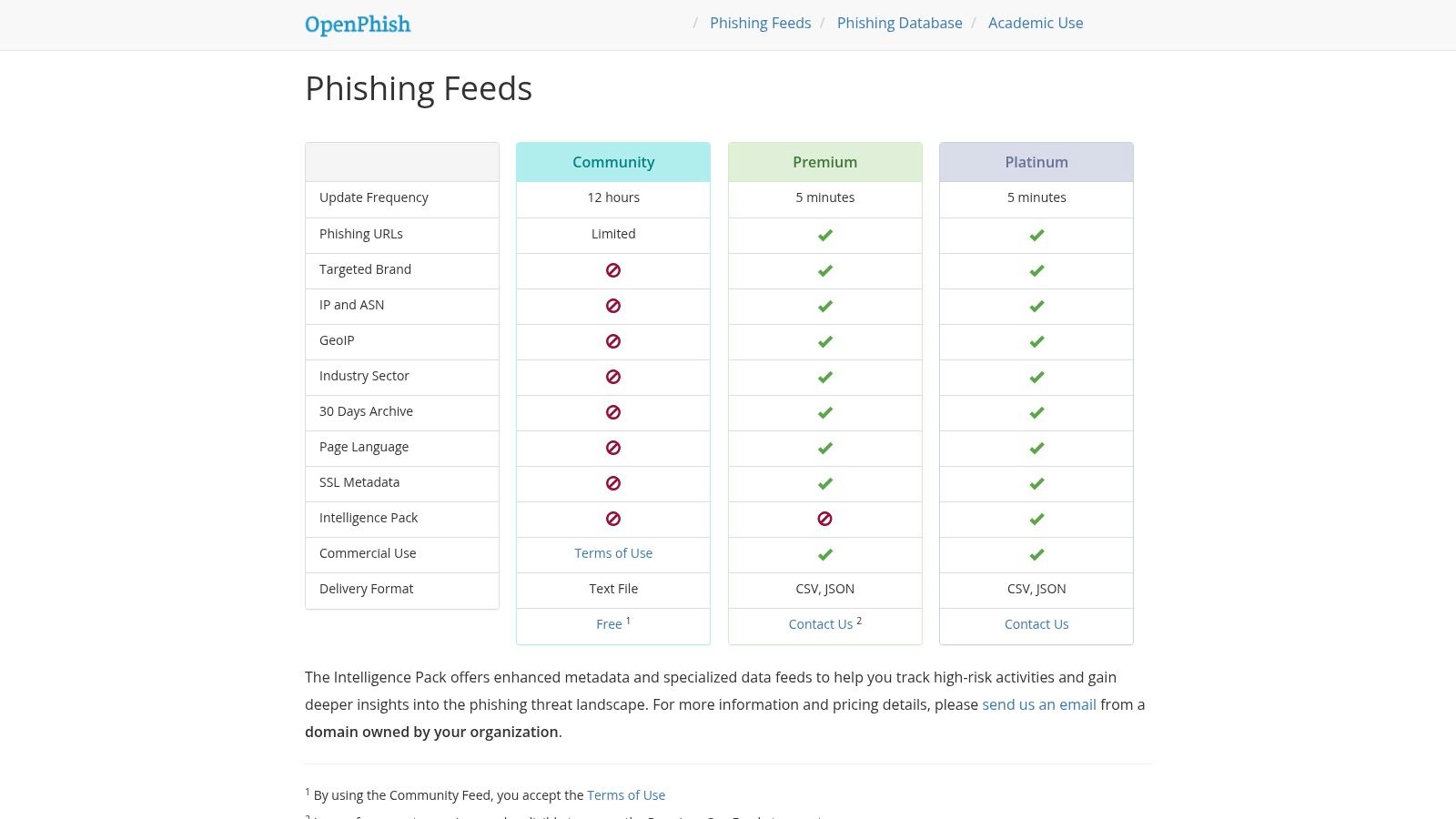
OpenPhish is where I go when the main question is phishing risk, not just generic spam reputation. That's a different problem, and it deserves a different tool.
A lot of blacklisted domains list articles lump everything together as if all abuse looks the same. It doesn't. Phishing abuse has its own patterns, and if a domain got tangled in that world, I want to know fast because recovery can be messy and trust can stay brittle.
Best for targeted abuse review
OpenPhish offers a community feed and richer premium options with more metadata. The premium side is attractive if you're monitoring brand abuse or trying to inspect suspicious domains with more context. That extra context matters because phishing verdicts tied to URLs can reveal how a domain was weaponized, not just that it was bad.
One practical thing I like is the option for on-prem matching using its database and API module approach. If you're reviewing sensitive assets or client lists, keeping checks private can be a real benefit.
OpenPhish is best suited here:
- Brand protection work: Useful if you're defending a company name or monitoring lookalike abuse.
- Buyer due diligence: Helpful when a domain's history suggests possible impersonation or scam use.
- Security-heavy workflows: Strong fit for teams that want richer phishing context, not only a blacklist hit.
The trade-off is that OpenPhish is more phishing-centric than domain-centric. If you want a simple domain verdict, you may need to combine it with other sources. That's not a deal-breaker. It just means you should use it for the question it answers.
You can explore it at OpenPhish.
Top 7 Blacklisted Domain Lists Comparison
| Product | 🔄 Implementation Complexity | ⚡ Resource Requirements | 📊 Expected Outcomes | 💡 Ideal Use Cases | ⭐ Key Advantages |
|---|---|---|---|---|---|
| NameSnag | Low–Medium, web UI + optional API; filter/alert setup | Subscription tiers (Scout→Elite); higher tiers for API/bulk | Quickly identify high-value expired domains with consolidated score and spam flags | Domain investors, SEOs, startups seeking brandable names | Consolidates SEO signals into SnagScore; aggressive spam filtering; early-access alerts |
| Spamhaus DBL | Low for DNS queries; Medium for commercial DQS/datafeed integration | Minimal for low-volume DNS; paid feeds for scale and SLA | Reliable signal for domains associated with spam/phishing/malware | Email/web filters; deliverability checks; domain acquisition risk checks | Widely trusted; granular threat codes; commercial-grade APIs |
| SURBL | Medium, supports multiple delivery methods (DNS, API, RPZ) | Free low-volume lookups; paid access for enterprise/feeds | Detect domains/URIs used in spam and phishing with categorical labels | Gateways, DNS firewalls, SIEM/SOAR integrations | Versatile delivery formats; categorical labeling for threat types |
| URIBL | Low, public DNS lookups easy to test; datafeed for scale | Free low-volume; commercial datafeed/RSYNC for high-volume users | Real-time domain/URI blacklist data for spam filtering | SpamAssassin and mail filters; scalable filtering setups | Easy integration; DNS + RSYNC options for scalability |
| Google Safe Browsing / Web Risk | Low for Safe Browsing lookups; Medium for Web Risk enterprise integration | Free tier available; Web Risk paid beyond quotas via Google Cloud | High-coverage, browser-grade threat detection of malicious URLs/domains | Web apps, browsers, enterprise URL checks and submissions | Massive telemetry coverage; well-documented APIs and predictable pricing |
| Cisco Talos Intelligence | Low for ad-hoc lookups; Higher when integrating into Cisco products | Free public checks; deeper feeds require Cisco product subscriptions | Enterprise-focused reputation and categorization for domains/IPs | B2B deliverability checks; network security posture and pre-purchase evaluation | Strong enterprise footprint; integrates with Cisco security stack |
| OpenPhish | Low for consuming community feed; Medium for on-prem matching/integration | Free community feed; paid Premium feeds for richer metadata and frequency | Fast phishing URL detection with rich metadata for brand-abuse monitoring | Brand monitoring, phishing response teams, threat intelligence ops | Fast-updating feeds; metadata-rich premium feeds; on‑prem SQLite matching option |
Your Domain Is Your Reputation
You buy an expired domain, run a quick blacklist check, see nothing obvious, and feel good for about ten minutes. Then you find old spam backlinks, a weak mail setup, or a browser warning that never showed up in your first pass. That is how bad inventory slips through.
A blacklisted domains list helps, but it only answers one narrow question. MXToolbox says as much in its blacklist guidance. Treat blacklist results as an early filter, not a verdict.
The harder part is timing. Lists change fast, stale abuse drops off, and new abuse shows up after a domain looks clean. CleanTalk's public blacklists page makes that volatility obvious. If you buy domains often, one-time manual checks are not enough. You need a repeatable process that catches obvious risk before you waste time on deeper review.
I also check mail posture right alongside blacklist status. Red Sift's global DMARC adoption guide shows how many domains still have weak or missing DMARC. In practice, that means spoofing risk stays high, reputation gets abused easily, and cleanup takes longer than buyers expect.
Here is the playbook I use. Screen for blacklist hits first. Then verify archive history, backlink profile, hosting footprint, and email authentication. That sequence saves time because it kills bad candidates early and reserves real diligence for names you might build on.
That is the bigger point of this article. Domain buying gets easier when you stop treating blacklists as a last-minute safety check and start using them as one input in a cleaner acquisition pipeline.
If you are tired of checking junk domains one by one, NameSnag is the faster way to work. It helps surface cleaner expired and expiring names, filter out obvious spam risk, and keep your attention on domains worth buying. For a broader view of how reputation issues spread beyond search and email, this overview of AI tools for social reputation is a useful outside lens.
Find Your Perfect Domain
Get access to thousands of high-value expired domains with our AI-powered search.
Start Free Trial